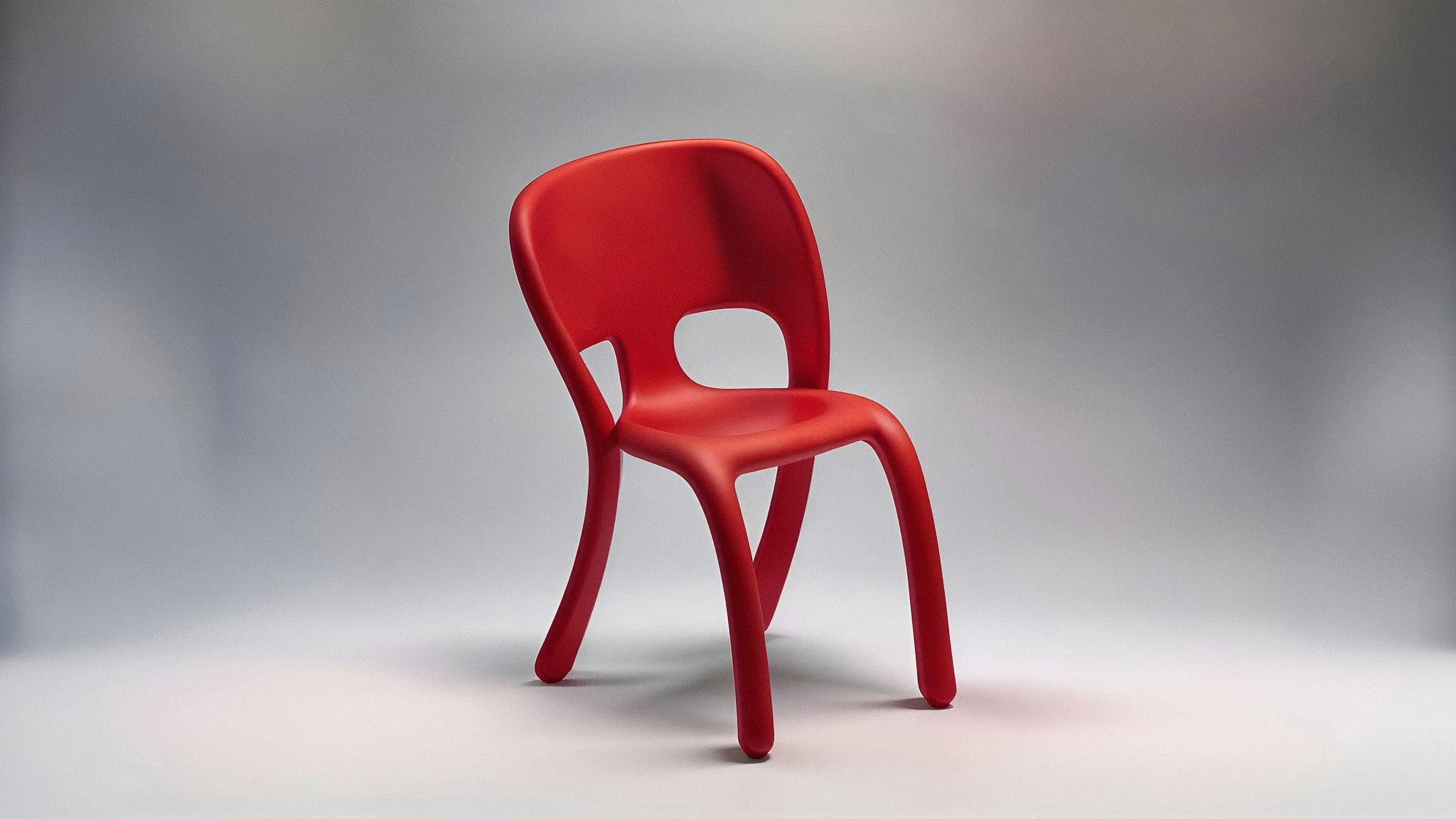
Sketch to 3D: A Chair Design Exploration
Team member Chris Ference designed, rendered, 3D printed, and iterated on a chair design in just 48 hours using Vizcom. The workflow demonstrated how sketch-based 3D generation enables rapid iteration from initial concept to physical prototype, making the design process more seamless.

Throughout history, the chair has been a staple for designers, constantly reinterpreted through their unique perspectives. Crafting a good chair balances form, proportions, ergonomics, and manufacturing techniques. This challenge led team member Chris Ference to consider how Vizcom’s rendering and 3D capabilities could enhance the design process and enable him to create a chair in just two days.
The exploration focused on creating rotomolded and injection molded chairs suitable for outdoor or dining settings. The process began with rough sketches, then transitioned into Vizcom to visualize ideas in higher fidelity. This approach allowed for the identification of strong concepts, the elimination of weaker ones, and continued ideation with greater intention and focus.
Through rounds of generating 3D forms, sketching over them, and generating new images, a deeper understanding of the desired chair design was achieved. Evaluating a number of 3D prints provided a new way to review and critique the work. The ability to hold the sketch in physical form was a unique aspect of the workflow that was found invaluable.
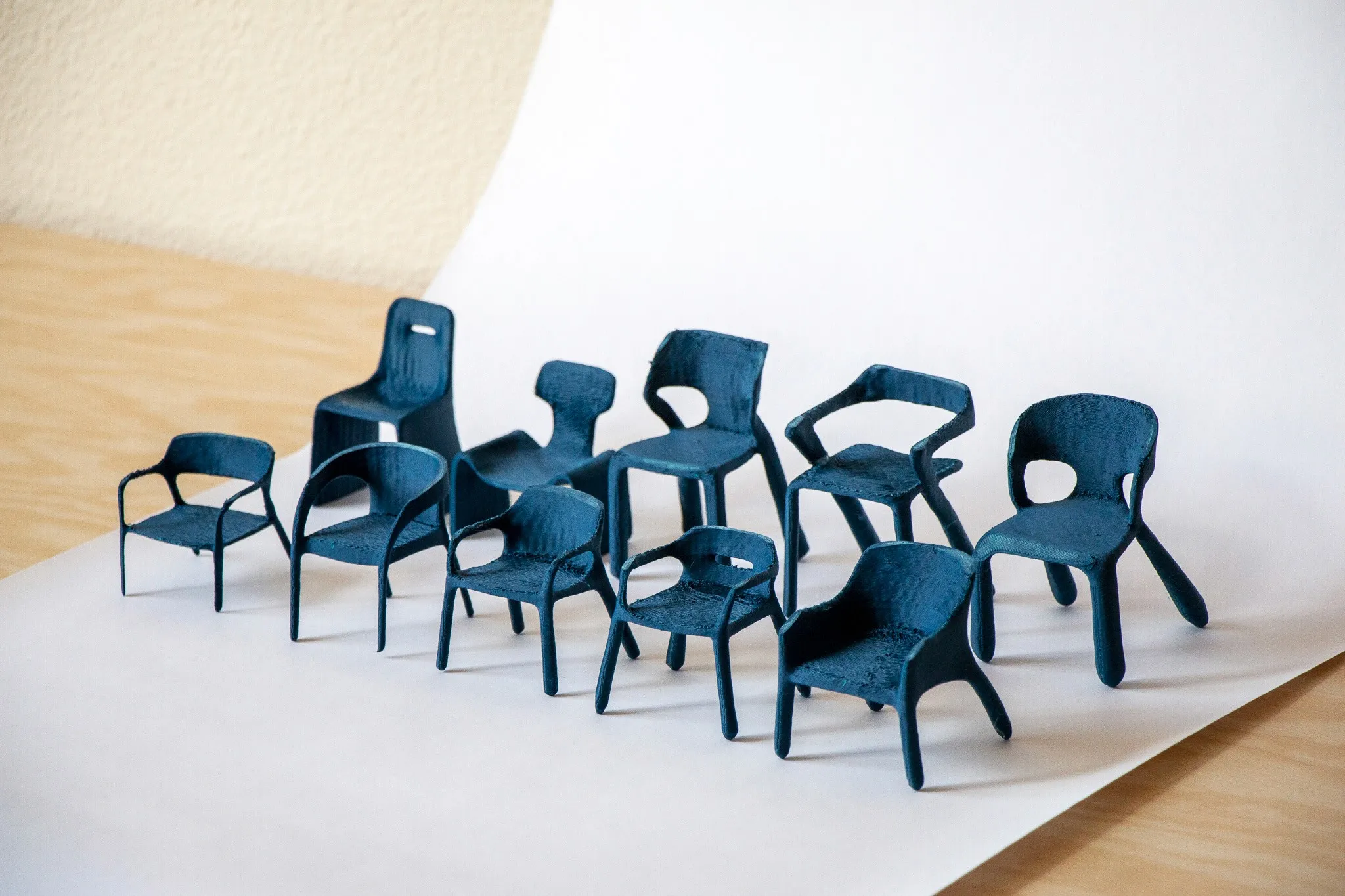
Throughout the process, the aim was to create designs with a clear relationship between all elements of the chair, including the front legs, seat, backrest, and back feet. While drawing the side view of a chair, it was challenging to understand how this perspective would relate to the front and connect with the legs. The seat was envisioned as seamlessly connecting to the back and curving into the legs. By generating a 3D version of the sketch, a clearer understanding of how to resolve the form was gained.
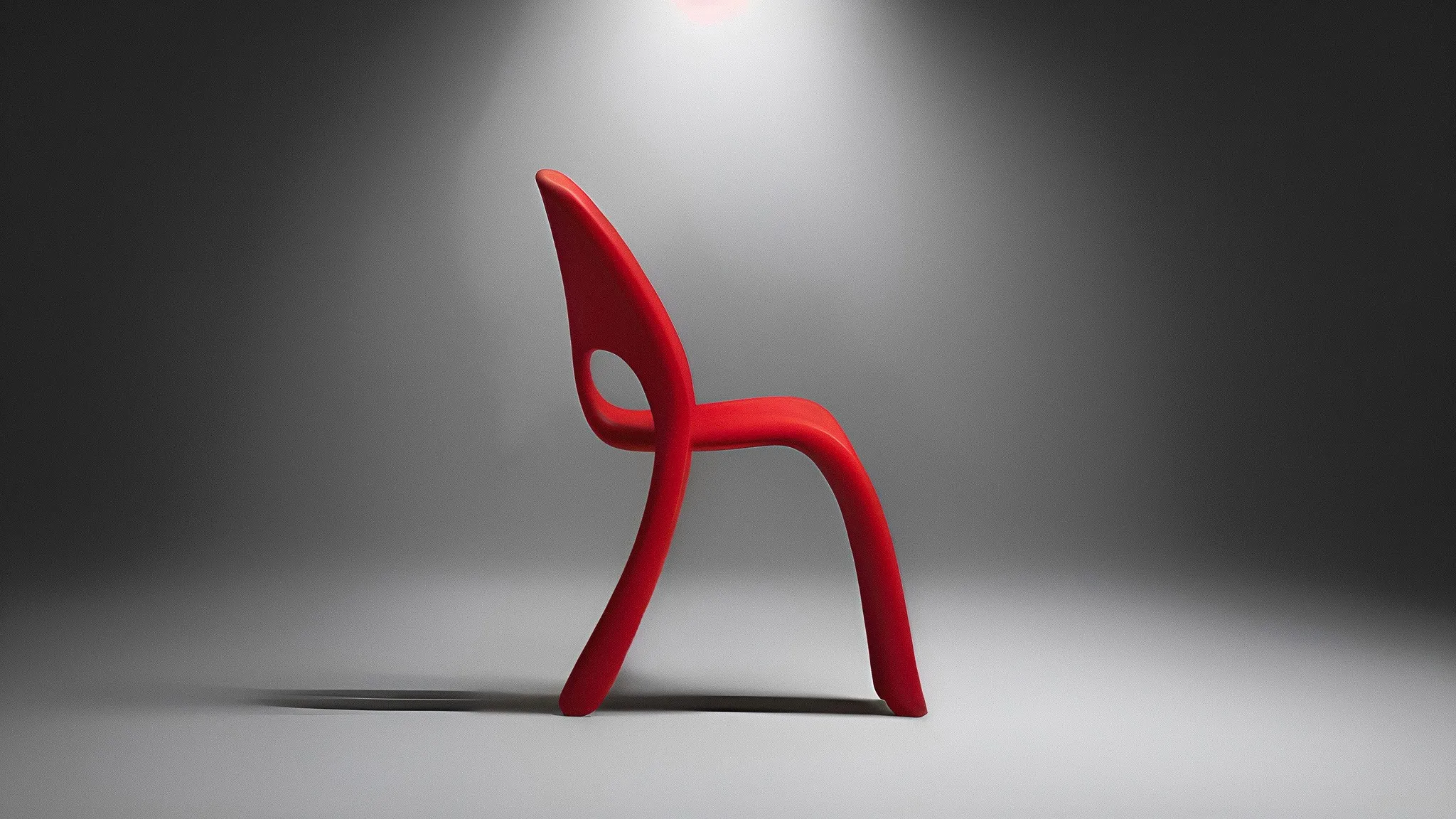
Using the generated 3D object, consistent representations of the idea were achieved from various angles. Viewing the chair in its space through augmented reality also allowed for validation of proportions and seeing the chair at scale.
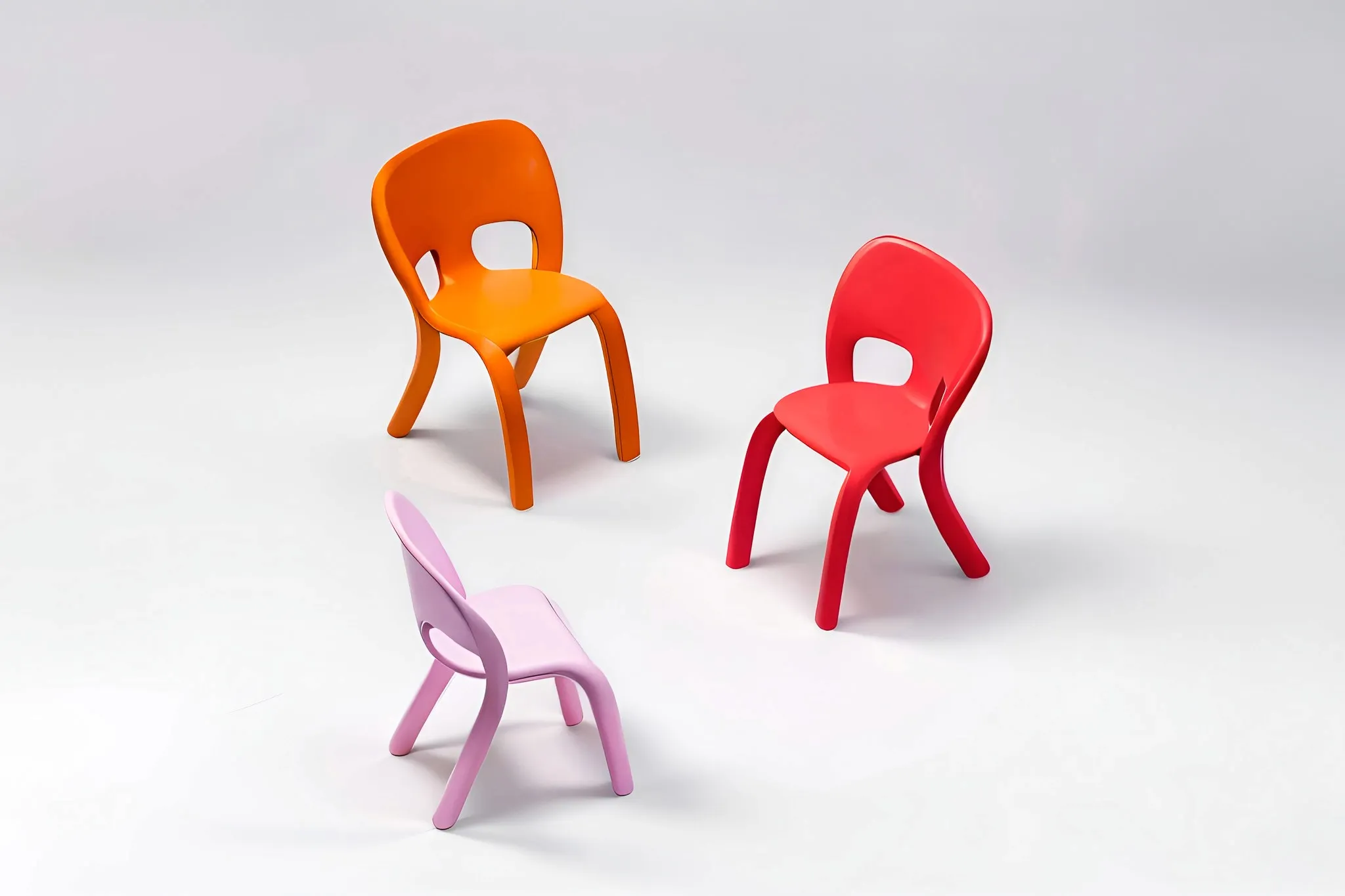
In just 48 hours, Chris was able to ideate, refine, 3D print, and go through several iterations of the chair. With traditional tools, he might have been constrained by the extensive time required for visualization and development, limiting his ability to create multiple unique ideas. Sketching as a basis for image and 3D generation makes the ideation process feel seamless for designers. Overall, this exercise not only demonstrates the power of Vizcom but also provides a compelling glimpse into how designers could work in more natural and intuitive ways.
Explore
Explore more blog posts & resources to get inspired
.webp)
Hatch Duo is a design studio based in San Jose built around a simple premise: great products hatch when two forces meet, your insight and their execution. Hatch's focus sits squarely in consumer packaged goods. For their latest collaboration with Vizcom, industrial designer Alec Comido wanted to see what he could design in one hour.

Explore color and material variations part-by-part without leaving Vizcom.


Frequently asked questions
Yes of course! Our starter plan is completely free, no credit card required. This is a great plan to explore vizcom with.
We accept all major credit and debit cards.
Admins (paid) – can edit files, manage workspace settings, billing, teams, and invite members. Editors (paid) – can edit files but not manage settings, billing, or teams. Viewers (free) – can only view files in read-only mode.
Team billing is handled centrally by the Admin. All paid seats, whether Admins or Editors, are included in a single invoice under the same billing cycle, while Viewers remain free and do not affect the cost.
Yes, you can. An Admin can update the plan in the billing settings, and the switch will take effect on the next billing cycle at the annual rate.
Yes, you own everything you create in Vizcom. For free users, while Vizcom may use generated images to improve its services, it does not claim ownership of your designs, concepts, or original ideas—you keep full rights to them. For paid users, your images and designs remain entirely private and are only used to deliver the service. Every design, concept, and image you create or upload is fully yours and kept confidential.
Vizcom does not use your data to train AI models if you’re on a paid plan. Everything you create stays private and is only used to provide the service. Free users may have their generated images included to help improve Vizcom’s services, but even then, Vizcom does not claim ownership of your designs, concepts, or original ideas—you retain full rights.