Announcing our $27M Series B
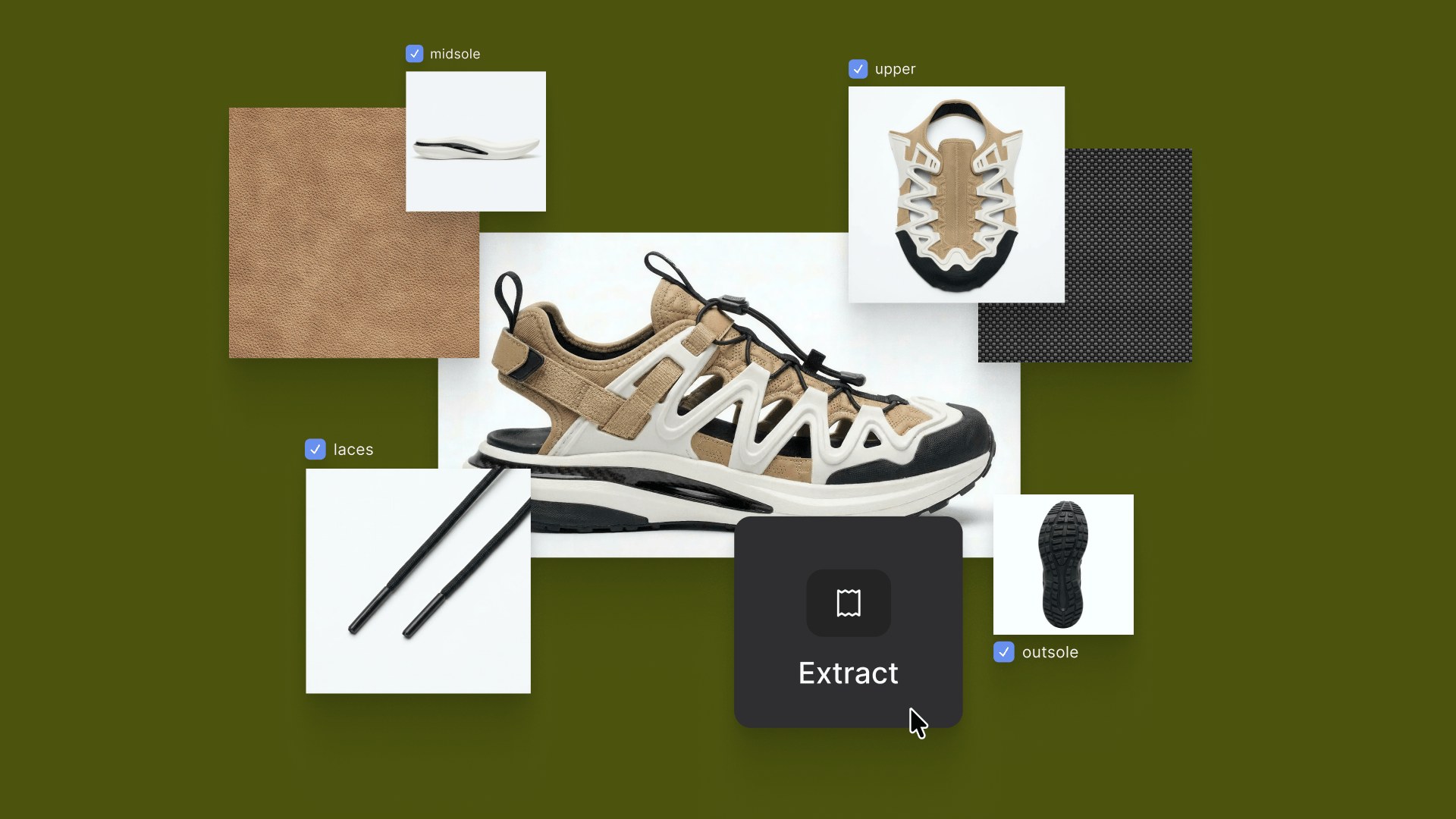
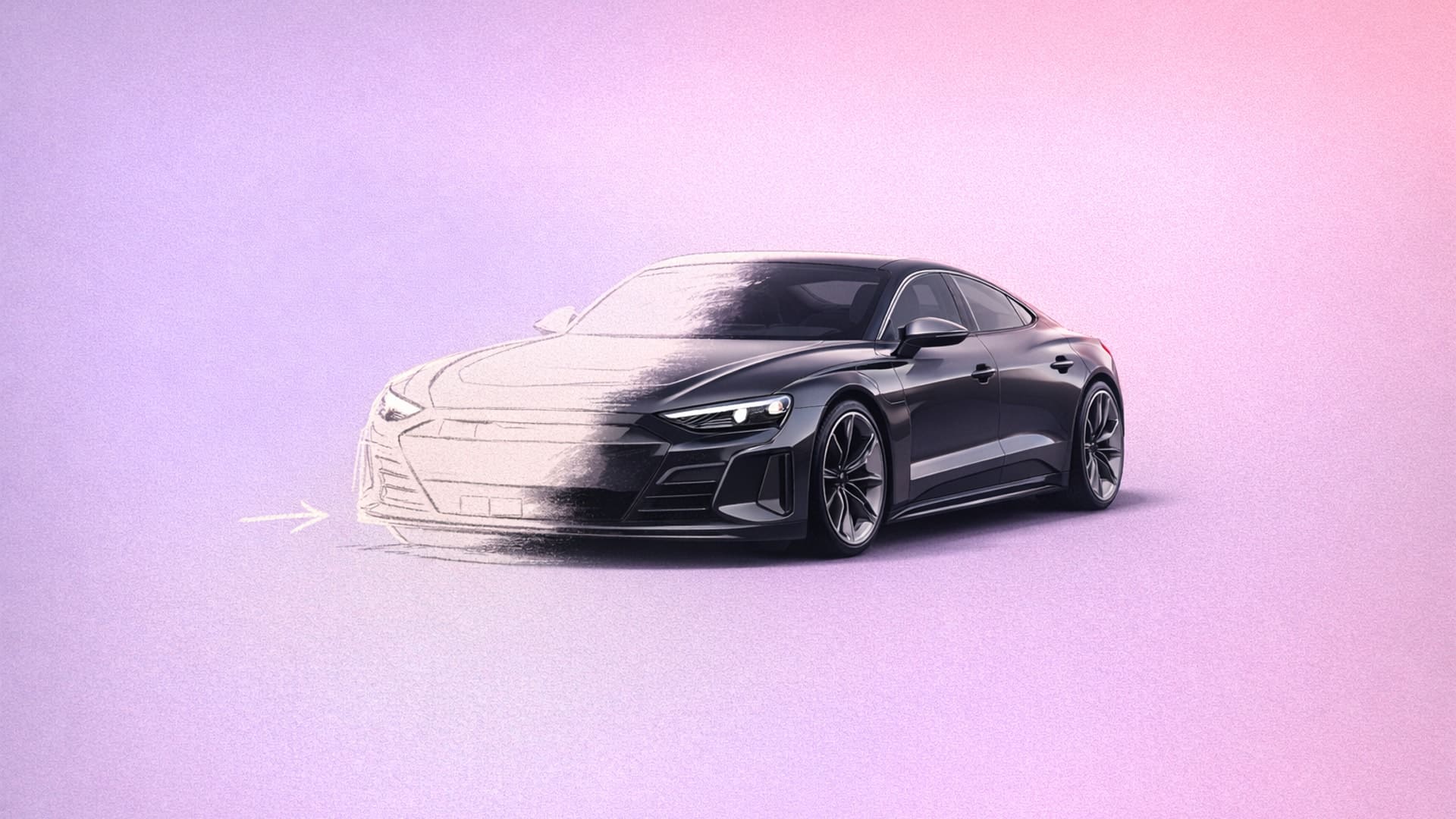
Vizcom has raised $27 million in Series B funding led by Radical Ventures to expand beyond visualization into the broader creative workflow, serving over 700,000 designers. The funding will help deepen domain-specific capabilities in automotive, footwear, apparel, and consumer goods, empowering designers to move from first sketch to physical reality with unprecedented speed.

2025 Year in Review
As 2025 comes to a close, we’re reflecting on a year of ideas turned into reality by the Vizcom community. From countless iterations and late-night sketches to concepts pushed further and made tangible. This recap celebrates what we've built together, the momentum behind it, and how we’re continuing to grow together into 2026.

The Birdhouse Challenge That Took Flight
Vizcom partnered with Render Weekly for a global design challenge reimagining the birdhouse, receiving hundreds of creative submissions. Five winning designs—including Germain Verbrackel's "DUCKHOUSE" and Edwin Tanu's "KASA"—were brought to life by Womp as physical prototypes.

Introducing Modify: A New Way to Reimagine Your Designs
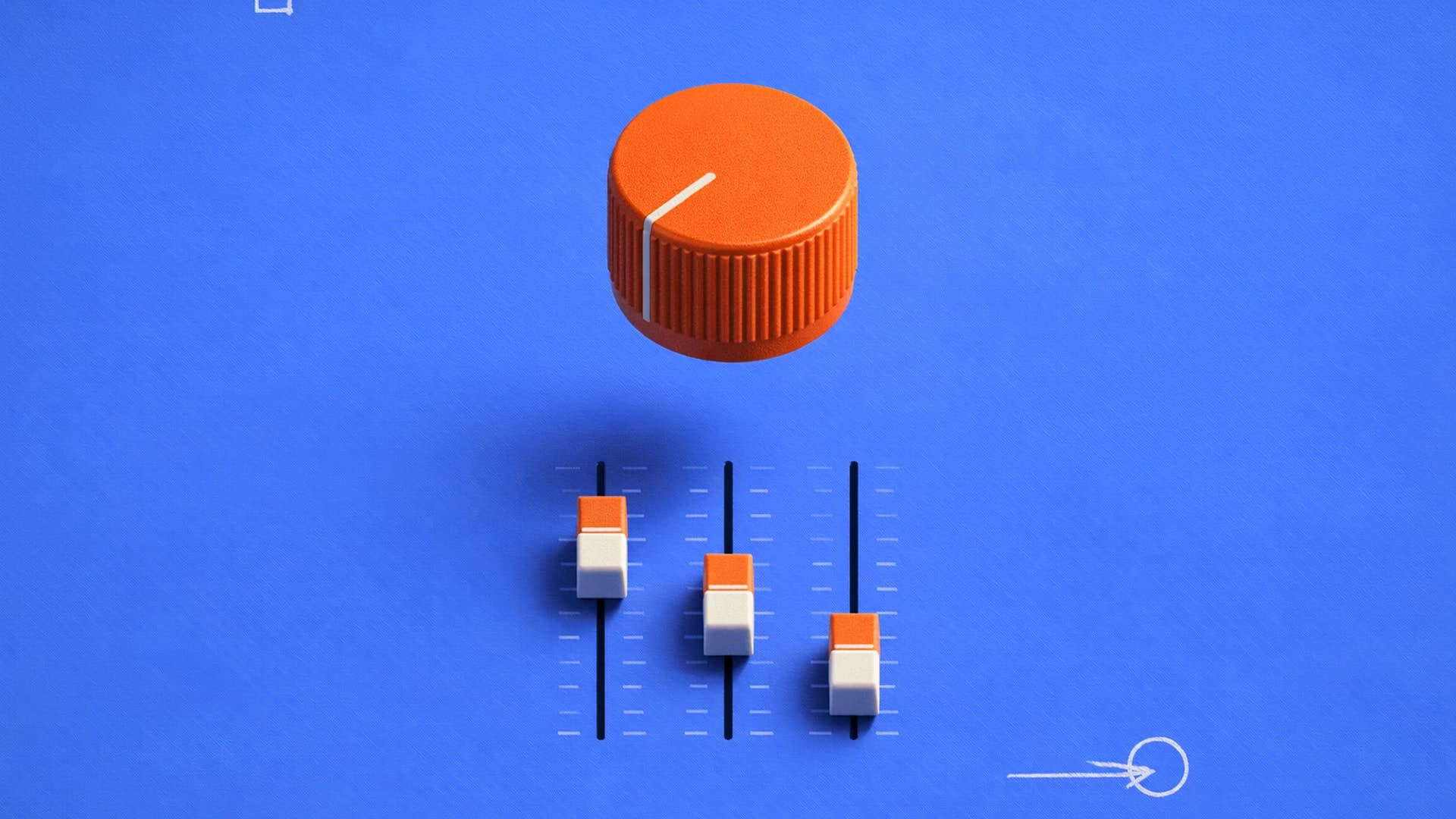
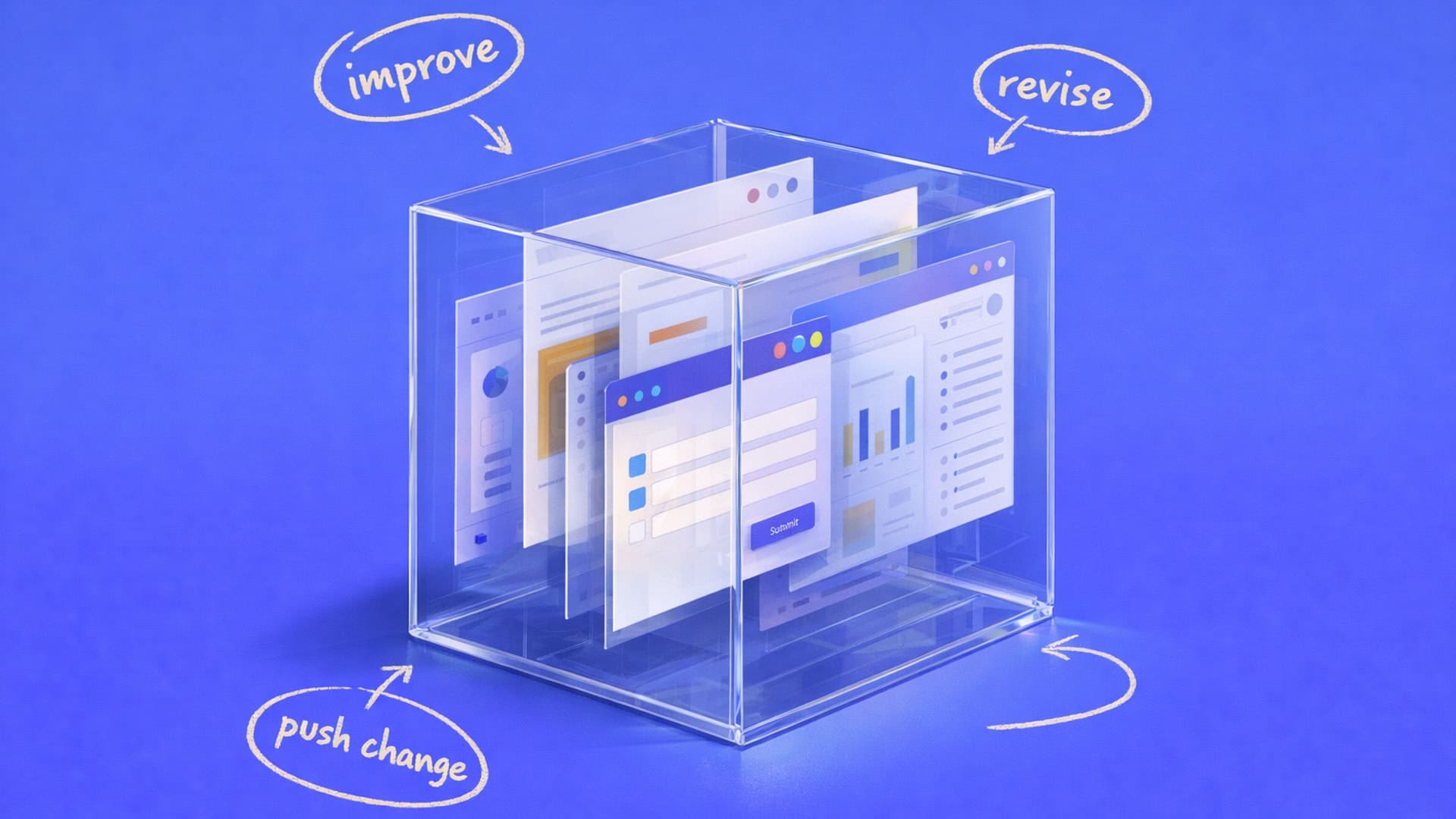
Modify is a visual iteration tool that lets designers adjust concepts using intuitive controls—sliders, toggles, and inputs—rather than starting from scratch. It enables quick exploration of new angles, form variations, expressions, and materials without re-prompting or re-sketching.

.avif)
Bloom is a 3D-printed lamp series by Anshuman Kumar that draws inspiration from the organic act of blooming, blending spiral growth with digital fabrication to create a calm, wire-free light. This spotlight follows his process—from hand intent to rapid iteration in Vizcom—and how speed, serendipity, and making helped refine the design from screen to object.

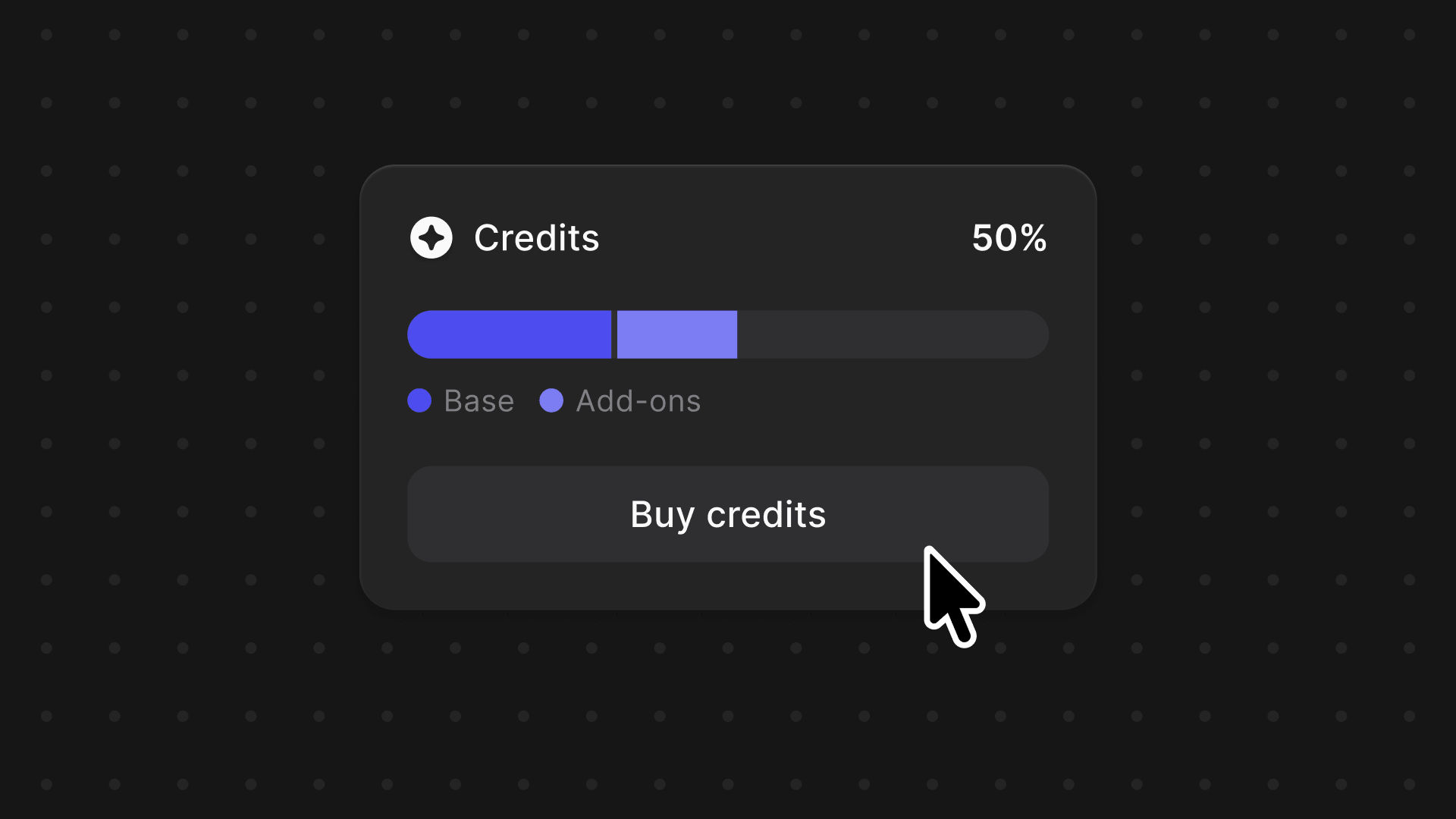
Add-ons and the new Premium Usage Dashboard give you more control over how and when you create in Vizcom, removing hard limits and making premium usage flexible. Top up actions when you need them, track everything in one clear view, and keep your creative flow moving without interruption.
.avif)
Industrial designer Jara Freund turned a familiar frustration—books constantly toppling over and shelves drowning in clutter—into the PlyForm Shelf, a modular system that pairs functional clarity with Bauhaus-inspired personality. This spotlight explores her process, from early sketches to rapid iteration in Vizcom, and how digital tools helped carry the idea from concept to physical reality.

When Rishav Kumar set out to create MAJE TD, his vision was clear: give transportation design students and professionals the tools, guidance, and intensity needed to create portfolio-defining work. The four-week workshop doesn't just teach design: it challenges participants to think critically about brief selection, how to integrate AI into their workflow, and craft presentations that resonate with industry leaders. Rishav, a Level II Interior Designer at KIA America with experience at Polestar and Canoo, started his career in automotive design through competitions and intensive workshops hosted by industry leaders. Now, as the founder of MAJE TD, he’s bringing his journey full circle by creating those same opportunities for students.

The updated Vizcom Studio introduces fully customizable layouts, a unified AI workflow sidebar, and background generation that lets designers work without interruption. These changes create a more intuitive, adaptable experience that removes friction from the creative process and helps designers move seamlessly from concept to completion.

We’ve upgraded the Animate Block to make motion design feel as intuitive as sketching, with more control and higher-quality results built right into Vizcom. From new camera presets and frame control to longer animations and upscaled video, these updates help turn static designs into expressive, polished motion.

Modify Pro mode lets you design the way you think—using sketches, references, and redlines instead of rigid prompts. With higher-fidelity results and precise, designer-native controls, it makes refining ideas feel more like marking up a printout than operating an AI tool.

Unify lets designers explore ideas the way they naturally think—by visually layering products into real environments with matched lighting and shadows, no prompting required. Built for precision and layout control, it helps you validate space, scale, and story earlier and iterate faster.

Educator Claas Kuhnen documented an experimental workflow using Vizcom to transform a basic chair into dozens of variations, treating it like a character with different emotions and forms. Using multi-view 3D, Live Render, and Modify features, he moved from photos to expressive forms to 3D-printed prototypes entirely within Vizcom.

Vizcom partnered with Decibel for a global design challenge at Milan Design Week, bringing winning chair concepts to life through robotic 3D printing from over 200 submissions. The winners included Deniz Aktay's "Crystal," Go Kul's "REVERIE," and Sascha Sartory's "Kokoko," showcased at the Alcova SNIA installation.

Vizcom's major update includes Enhance, updated Palettes, Color Match, Color Transfer, Magic Erase, Remove Background, Layer Groups, and Sections. These features unlock new workflows including in-context rendering, tech pack visualization, presentation-ready visuals, and better organization.

Palettes allow designers to train a private AI model on their unique style, ensuring every concept reflects their aesthetic and creative identity. By curating 4-30 images and training the model in minutes, designers can render sketches with consistent brand-accurate outputs.

Vizcom hosted Viztober, a month-long design challenge with 31 unique prompts that inspired incredible creativity from the community. The article highlights favorite submissions across various categories including automotive, footwear, interiors, and medieval themes, thanking participants for their passion.

Vizcom offers custom AI models trained exclusively on a company's design data, capturing their unique aesthetic and brand identity. These tailored models enable faster ideation while maintaining brand accuracy, demonstrated through a hypothetical Dyson example using publicly available images.