Introducing Modify: A New Way to Reimagine Your Designs
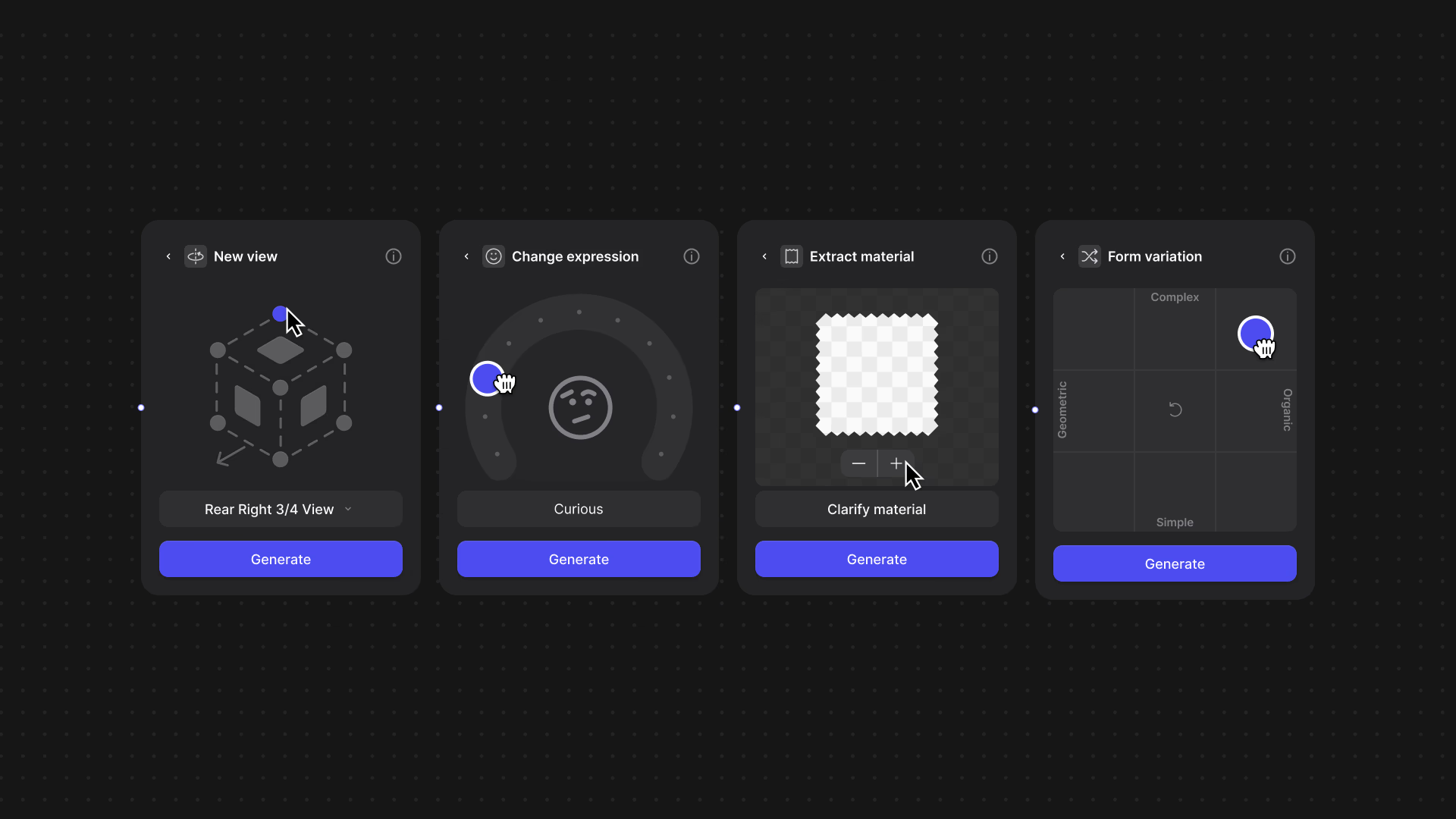
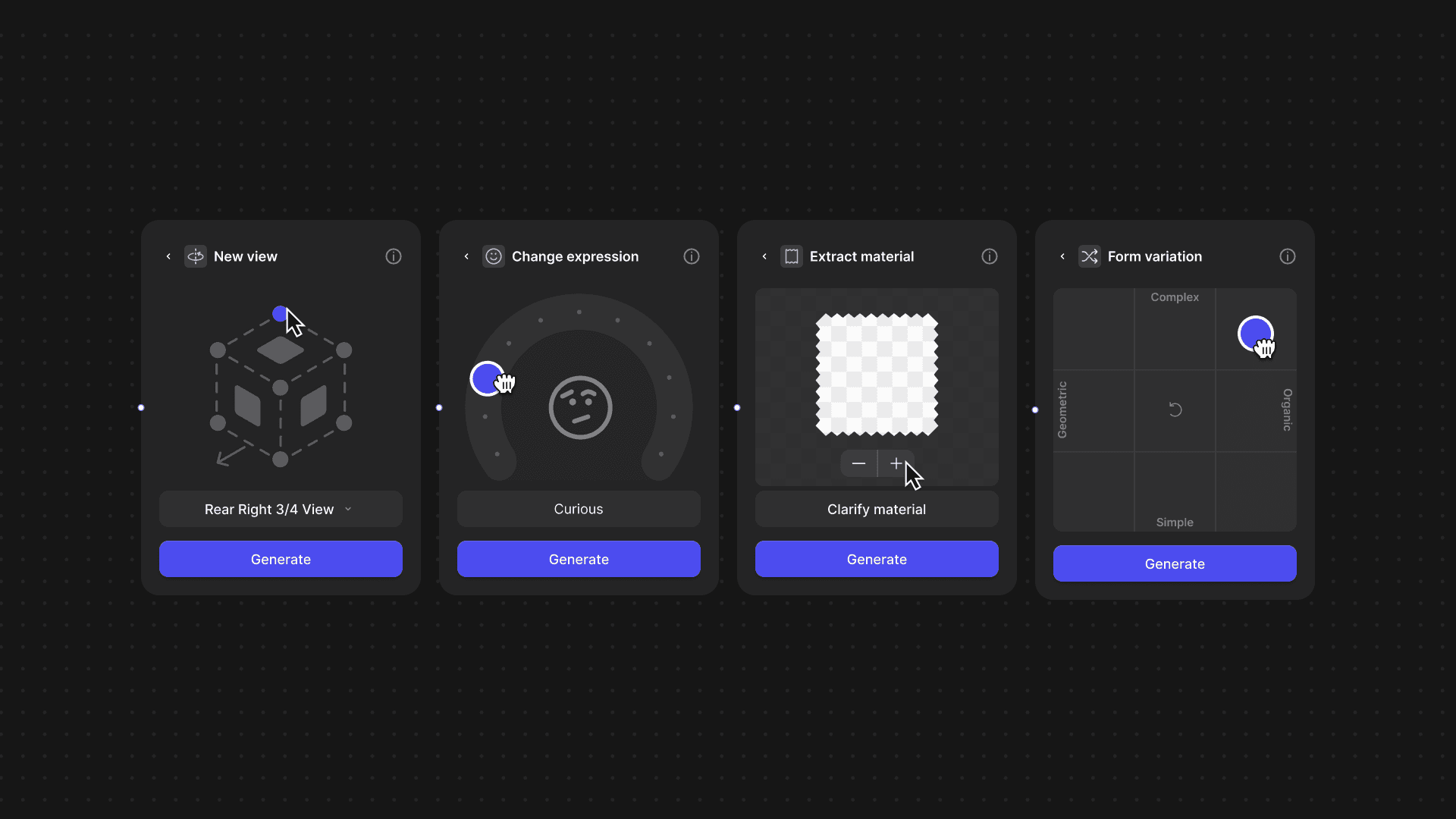
Modify is a visual iteration tool that lets designers adjust concepts using intuitive controls—sliders, toggles, and inputs—rather than starting from scratch. It enables quick exploration of new angles, form variations, expressions, and materials without re-prompting or re-sketching.

Introducing Modify
Designers don’t think in prompts.
They think in sketches, materials, forms, and feelings.
That’s why we built Modify — a new way to explore your ideas inside Vizcom.
Modify is a smarter, more visual way to iterate on your concepts. Instead of redrawing from scratch or guessing what prompt to type next, you can now adjust your design using intuitive controls — sliders, toggles, and real-world inputs. It’s fast, fun, and surprisingly powerful.
Why we built it
The traditional Vizcom workflow has always made it easy to bring your sketches to life. But once you’ve rendered an idea, iterating further often means starting over. We wanted to unlock a better way to explore — one that encourages play, encourages mistakes, and invites unexpected ideas to surface.

Modify helps you explore visually
- See your concept from new angles with one click
- Adjust the form — from geometric to organic, simple to complex
- Inject emotion into your object or character (think friendlier, sharper, more expressive)
- Extract real-world materials and apply them to your design
Make quick, visual changes without needing to re-prompt or re-sketch
This is the first step in our journey to make Vizcom a more intelligent, visual sandbox — one that understands how designers think and how ideas actually evolve.
What you can do with Modify
Here are just a few ways creators are already using Modify:
New View
Generate alternative perspectives of your product or character, helping you visualize in a 3D space without 3D tools.
Change Expression
Shift the tone of your character or product — friendly, aggressive — with a dial.
Extract Material
Extract materials from anything — a leaf, a sidewalk, a croissant — and apply them directly to your sketch or model.
Form Variation
Explore shape variation in seconds. Modify gives you control over complexity, curvature, structure, and flow — all visually.
From footwear to concept art, automotive to apparel, Modify gives you more ways to experiment, remix, and refine your ideas. All without the pain of starting over.
Available now — for everyone
Modify is in beta and available to all Vizcom users, including Free plans. It lives directly inside your canvas — just upload or render an image, and open the Modify block to get started.
This is just the beginning.
We’re rethinking what it means to create visually — and we can’t wait to see what you build with it.
Explore
Explore more blog posts & resources to get inspired
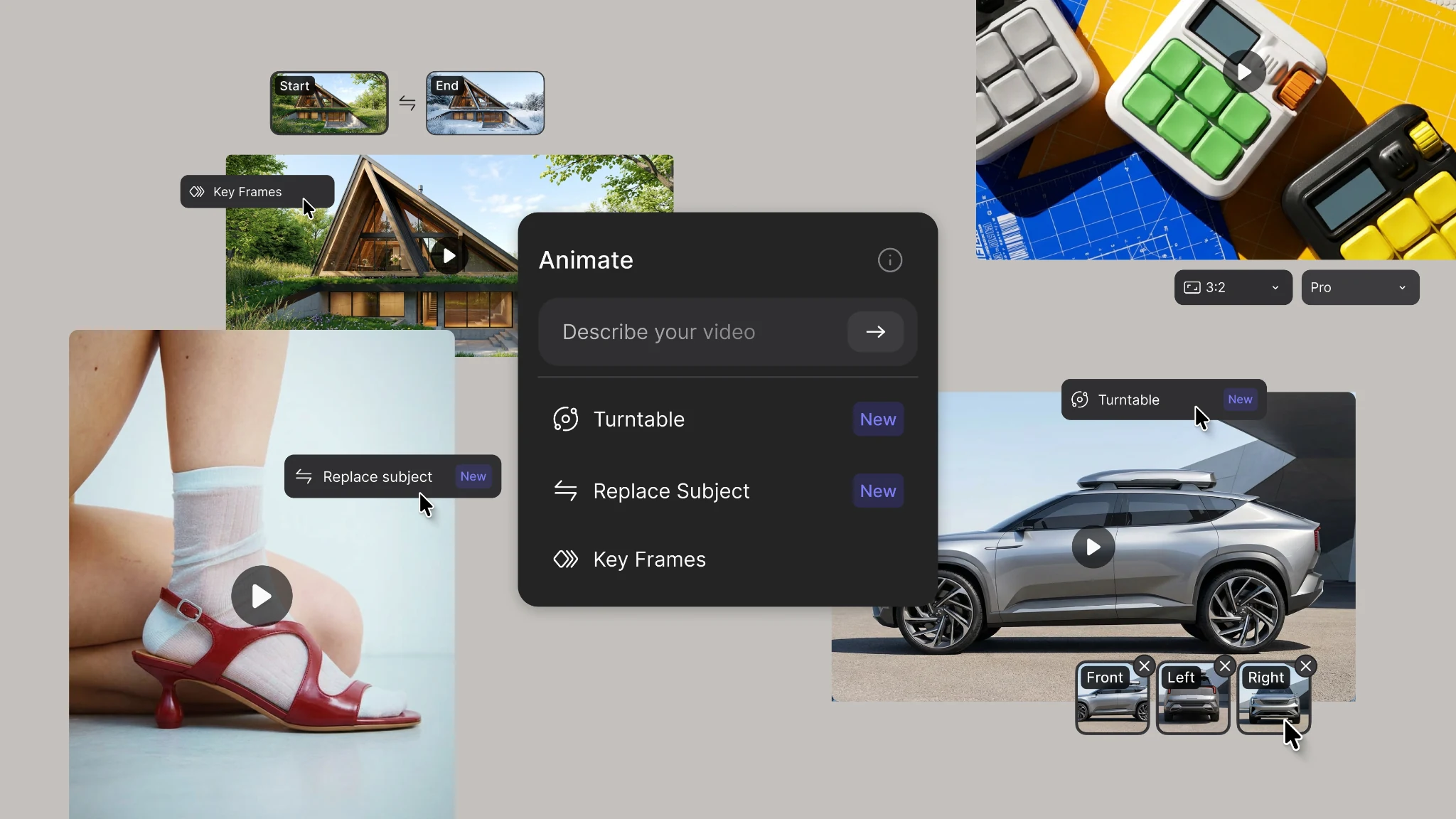
New animation capabilities in Vizcom: more references, four modes, and up to 15 seconds of motion.
.webp)
Hatch Duo is a design studio based in San Jose built around a simple premise: great products hatch when two forces meet, your insight and their execution. Hatch's focus sits squarely in consumer packaged goods. For their latest collaboration with Vizcom, industrial designer Alec Comido wanted to see what he could design in one hour.


Frequently asked questions
Yes of course! Our starter plan is completely free, no credit card required. This is a great plan to explore vizcom with.
We accept all major credit and debit cards.
Admins (paid) – can edit files, manage workspace settings, billing, teams, and invite members. Editors (paid) – can edit files but not manage settings, billing, or teams. Viewers (free) – can only view files in read-only mode.
Team billing is handled centrally by the Admin. All paid seats, whether Admins or Editors, are included in a single invoice under the same billing cycle, while Viewers remain free and do not affect the cost.
Yes, you can. An Admin can update the plan in the billing settings, and the switch will take effect on the next billing cycle at the annual rate.
Yes, you own everything you create in Vizcom. For free users, while Vizcom may use generated images to improve its services, it does not claim ownership of your designs, concepts, or original ideas—you keep full rights to them. For paid users, your images and designs remain entirely private and are only used to deliver the service. Every design, concept, and image you create or upload is fully yours and kept confidential.
Vizcom does not use your data to train AI models if you’re on a paid plan. Everything you create stays private and is only used to provide the service. Free users may have their generated images included to help improve Vizcom’s services, but even then, Vizcom does not claim ownership of your designs, concepts, or original ideas—you retain full rights.