AI Design Platform for Product Designers | Vizcom
Make it real
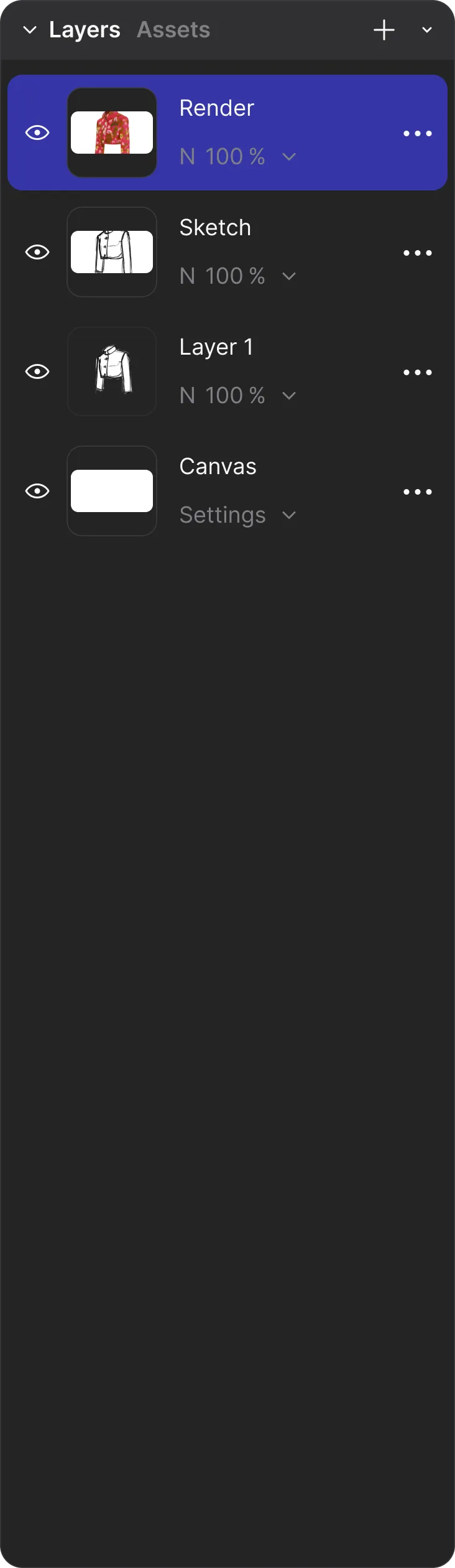
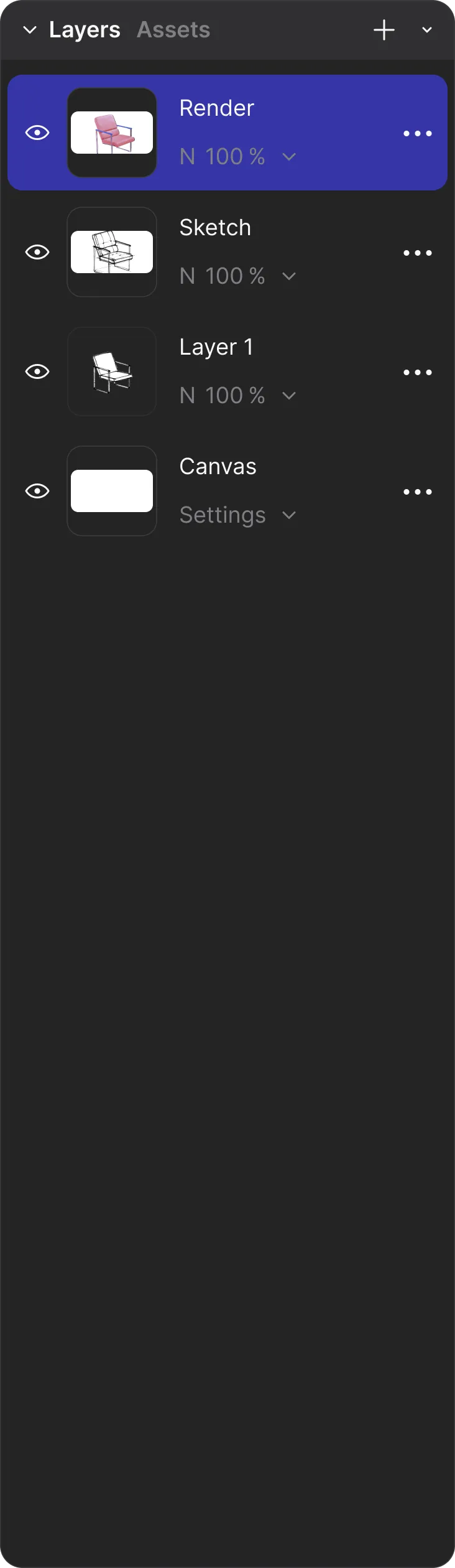
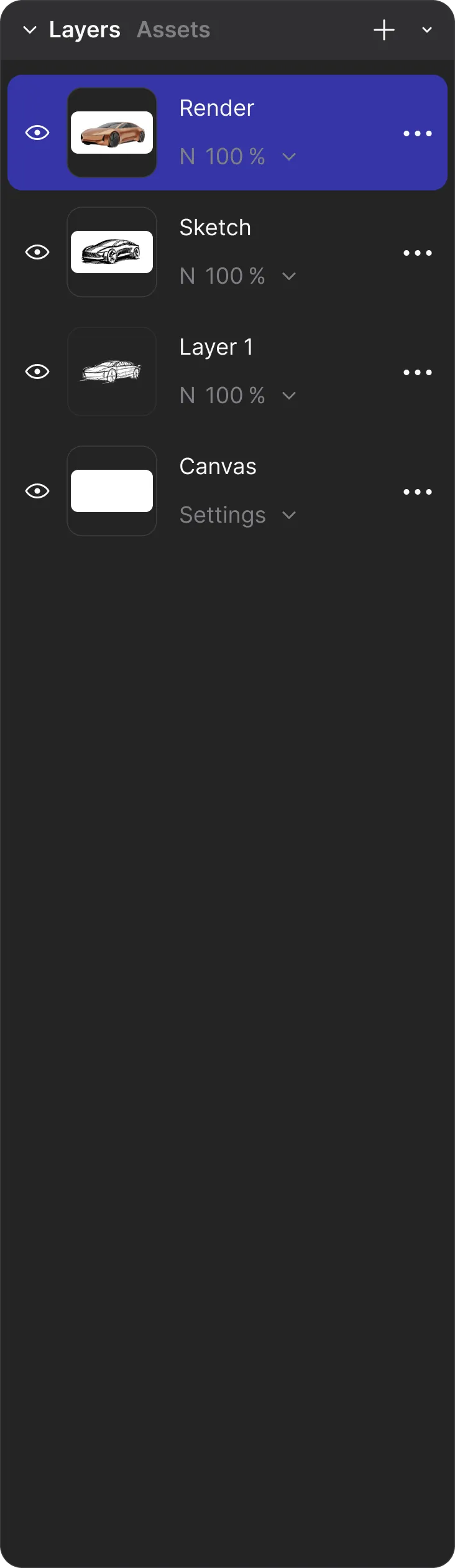
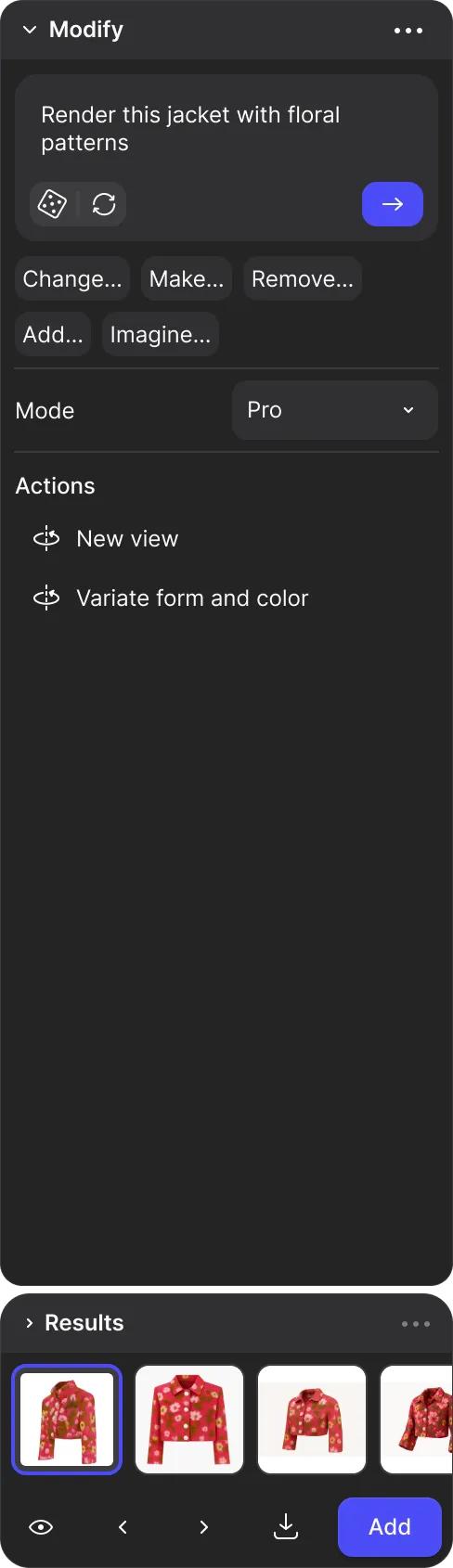
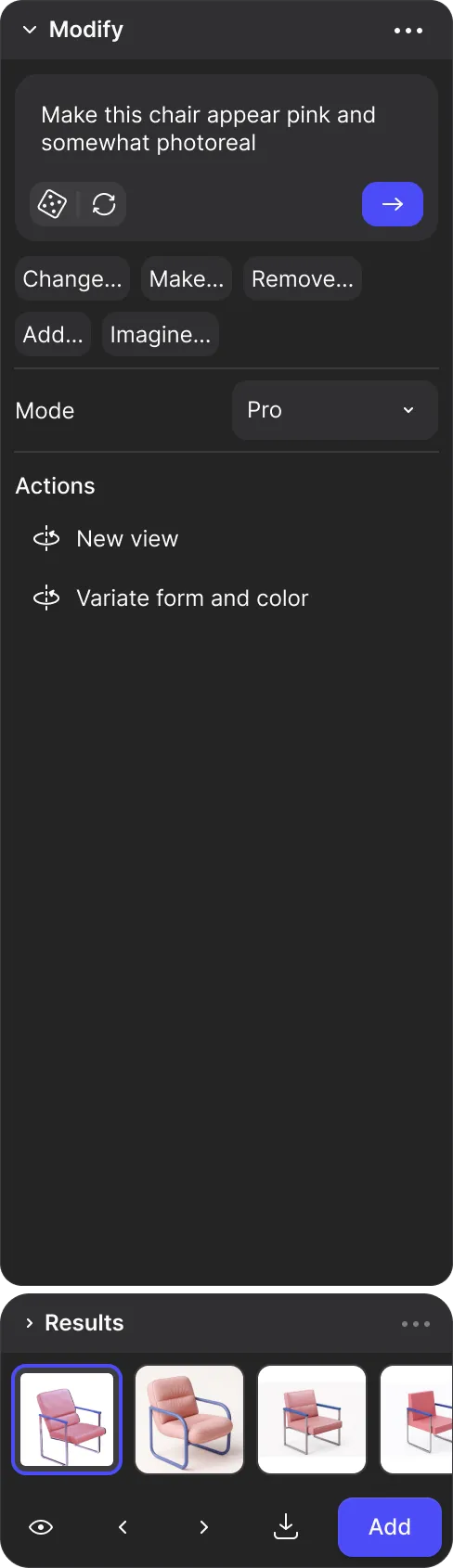
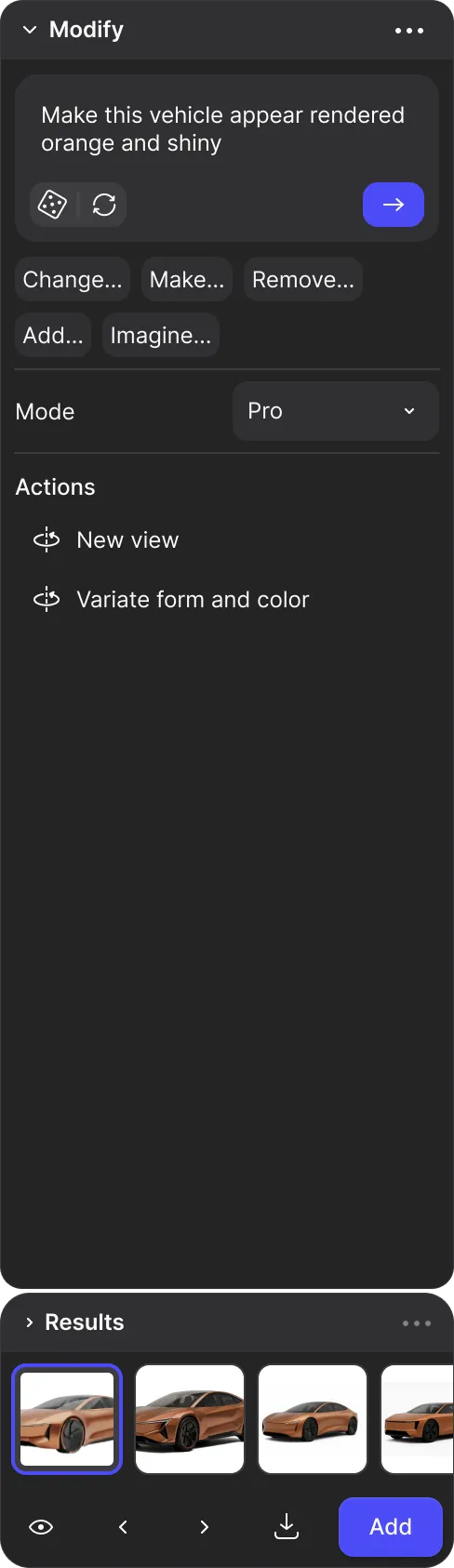
Bringing ideas to life for world-class brands


Your ideation toolkit
From your vision, through variations, and into reality.
Vizcom brings clarity to the messy middle of idea generation
0/4




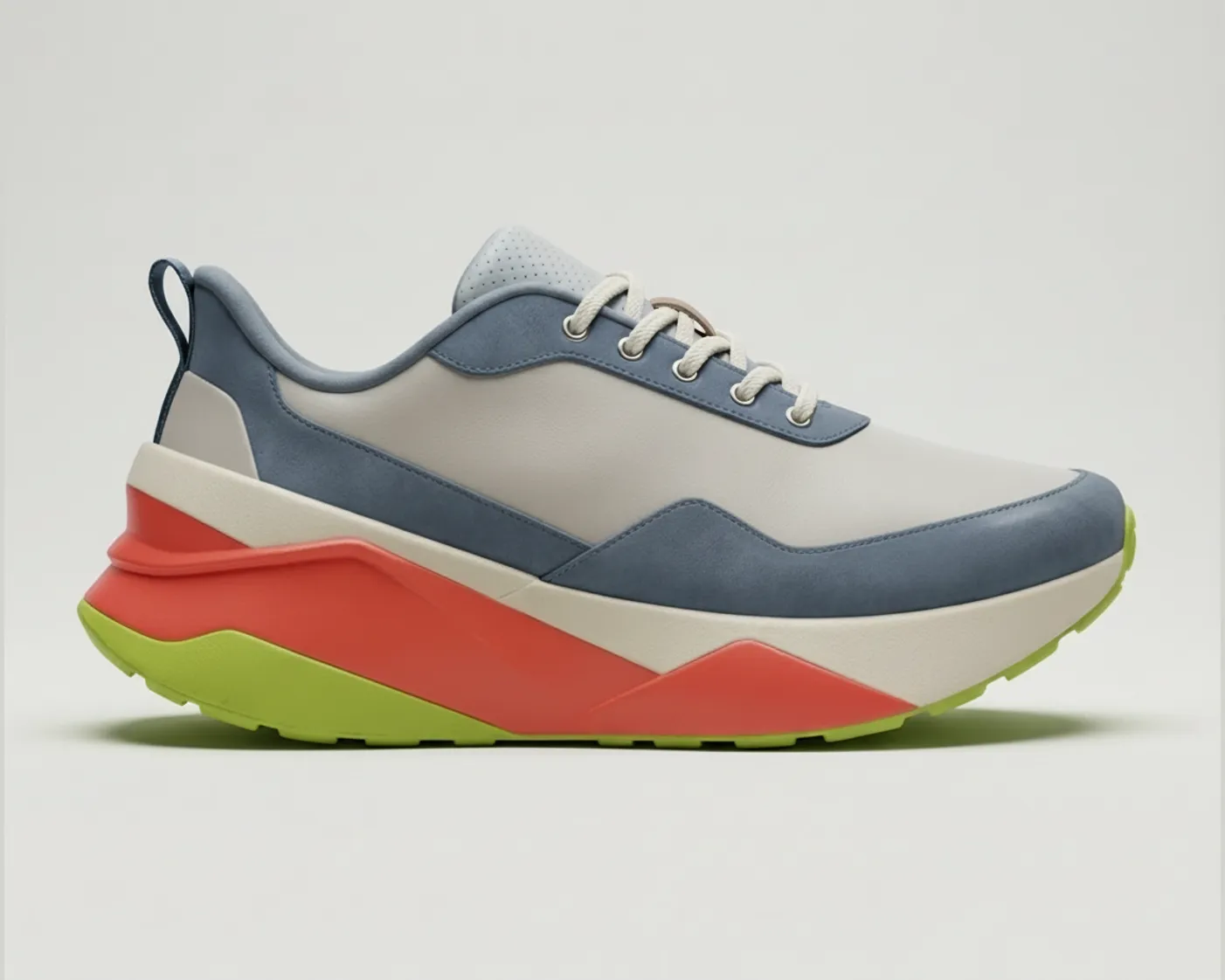

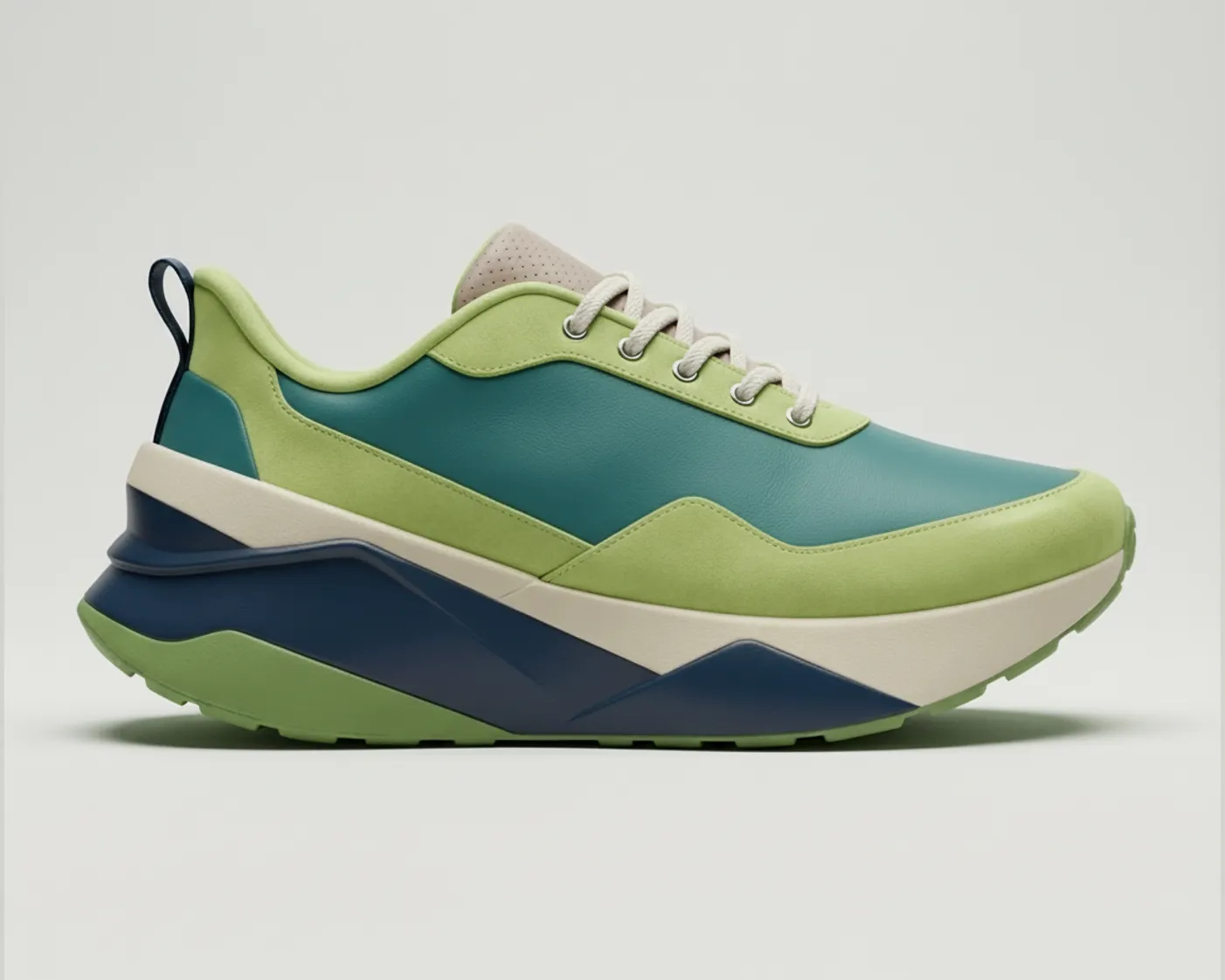
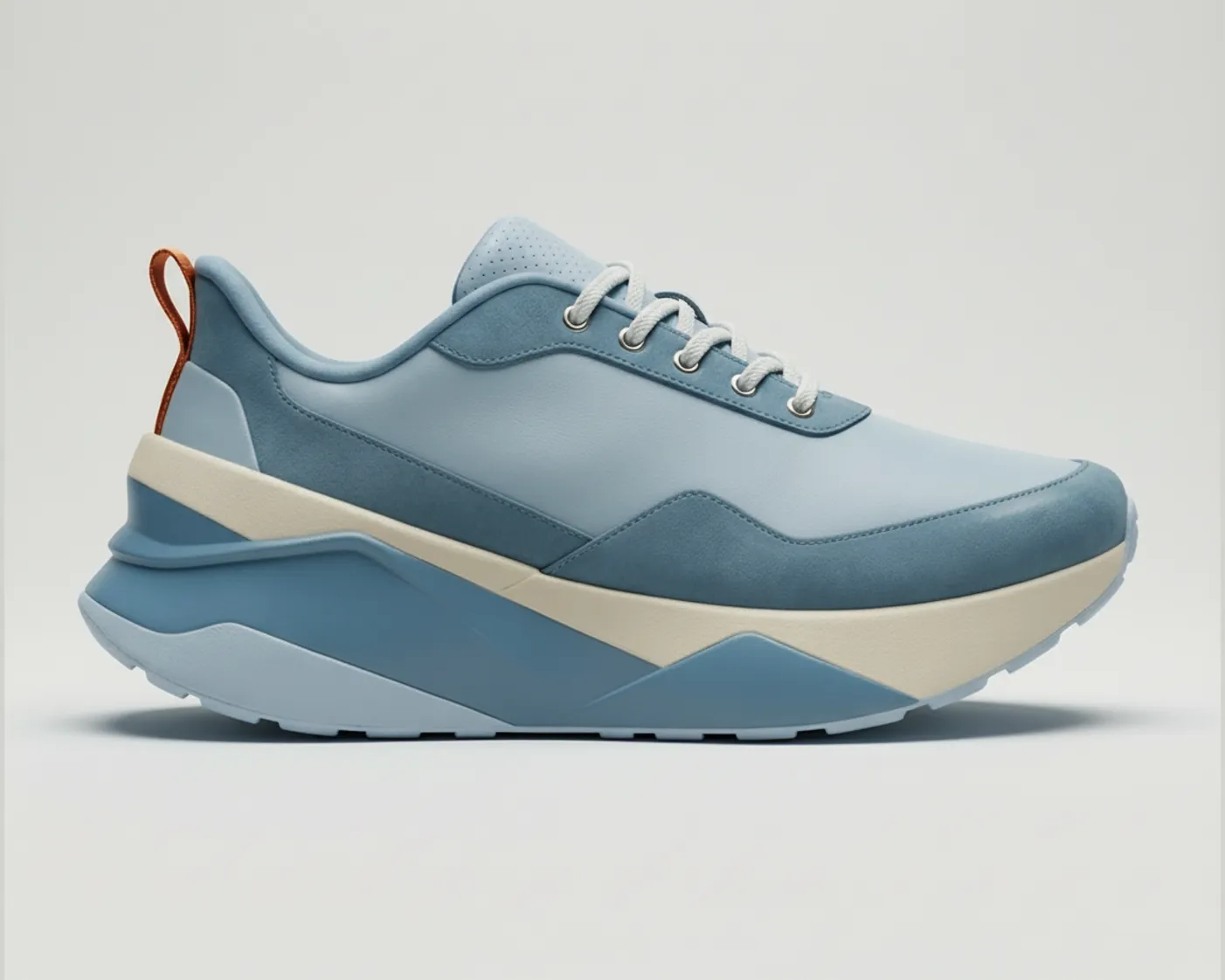
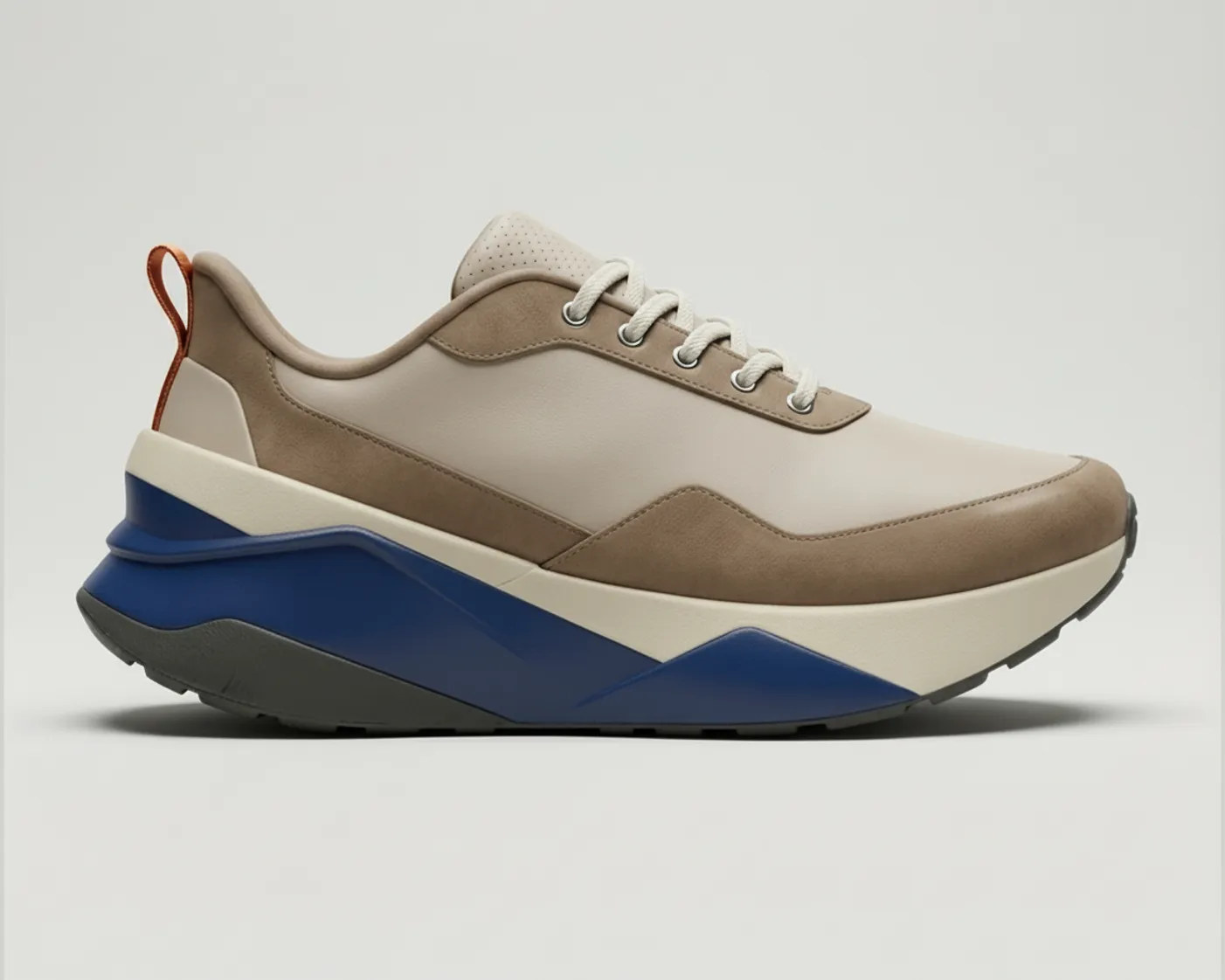
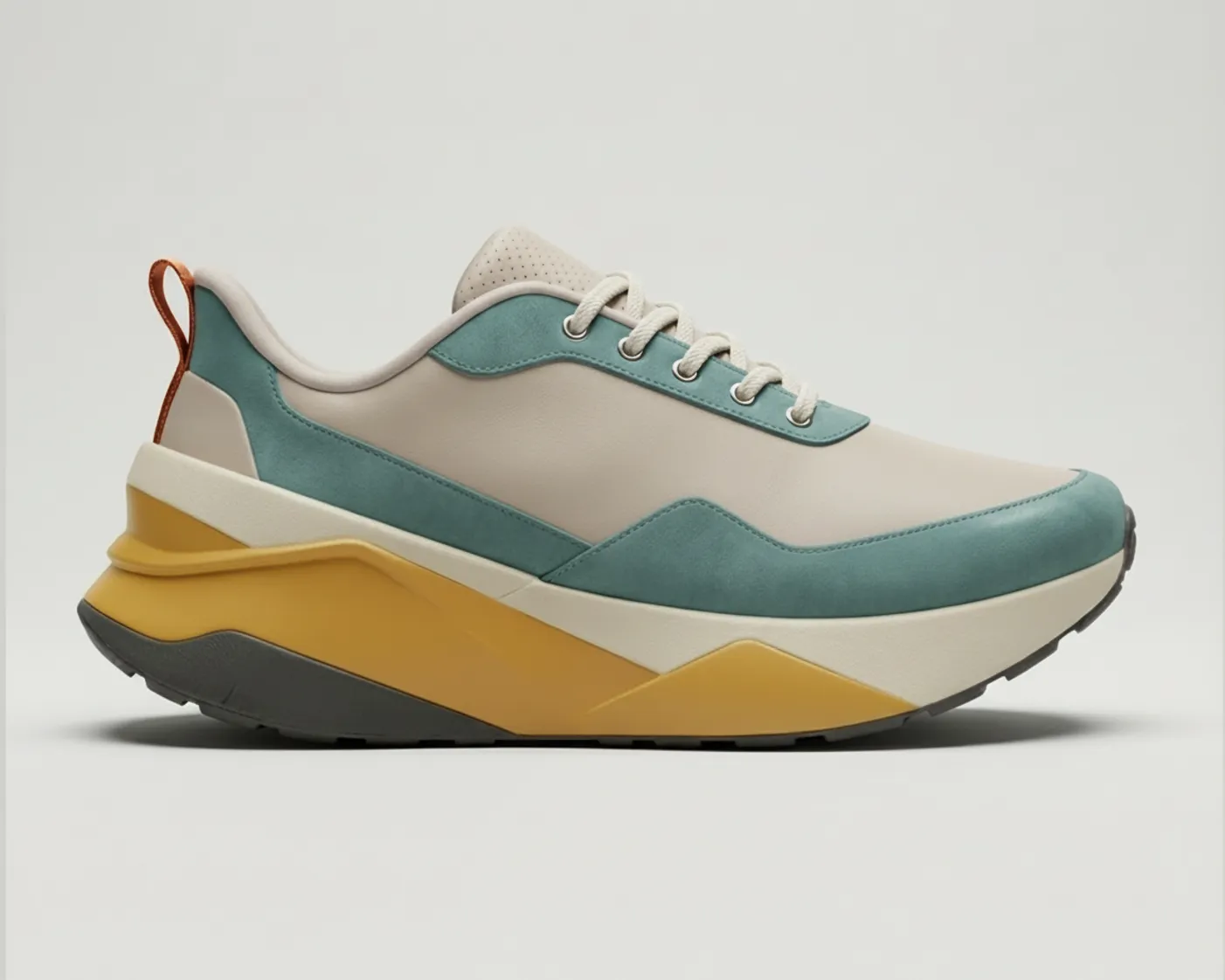





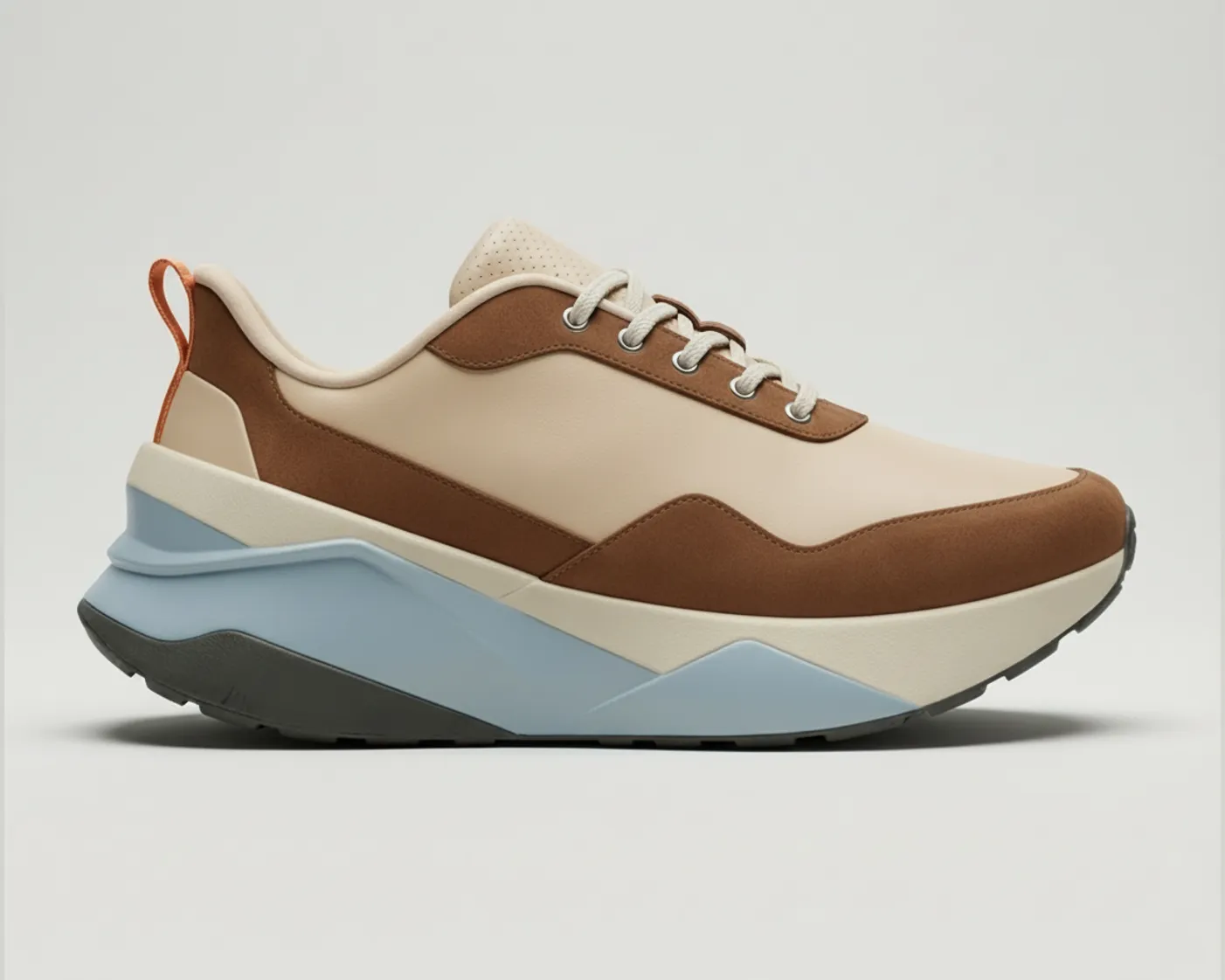






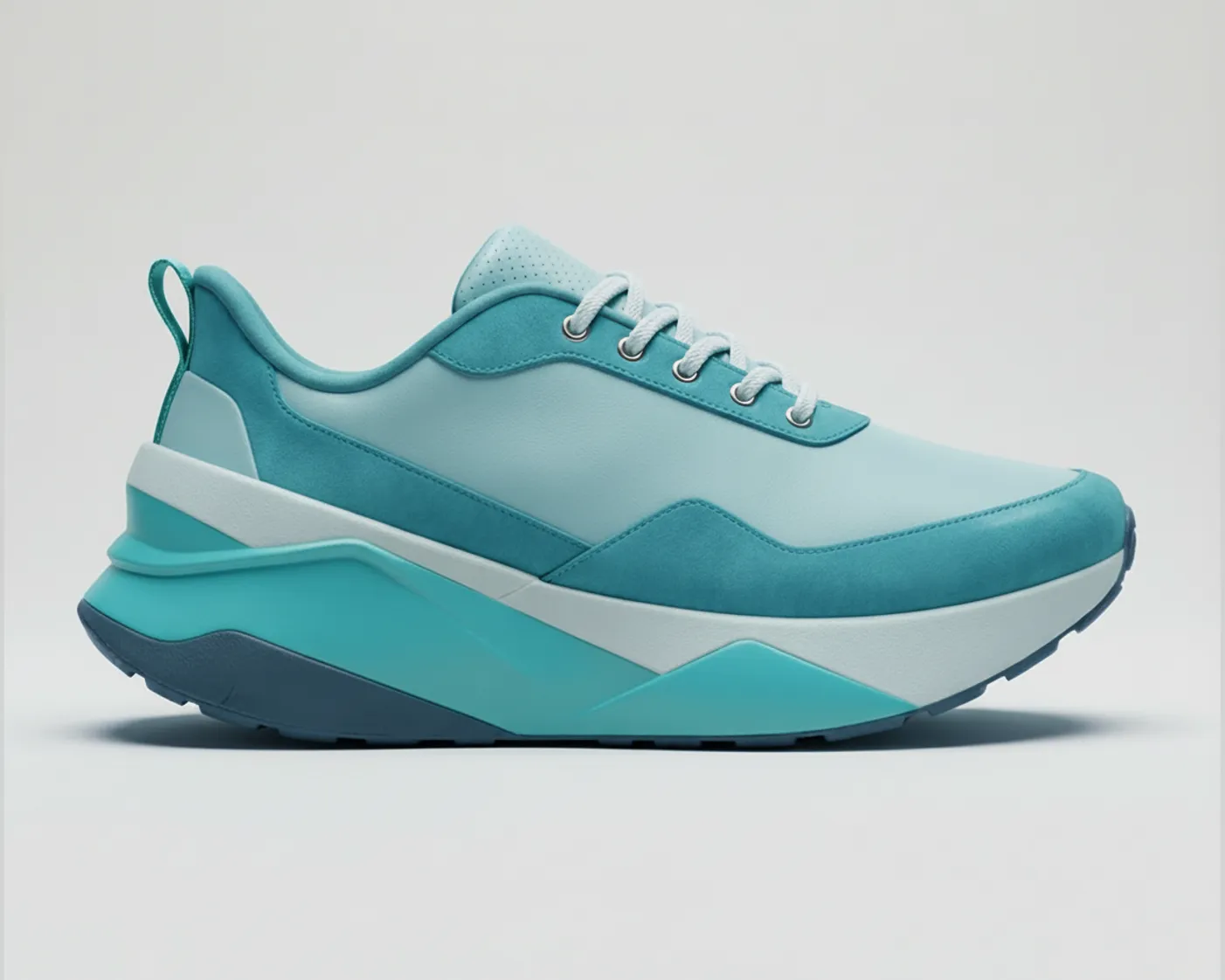


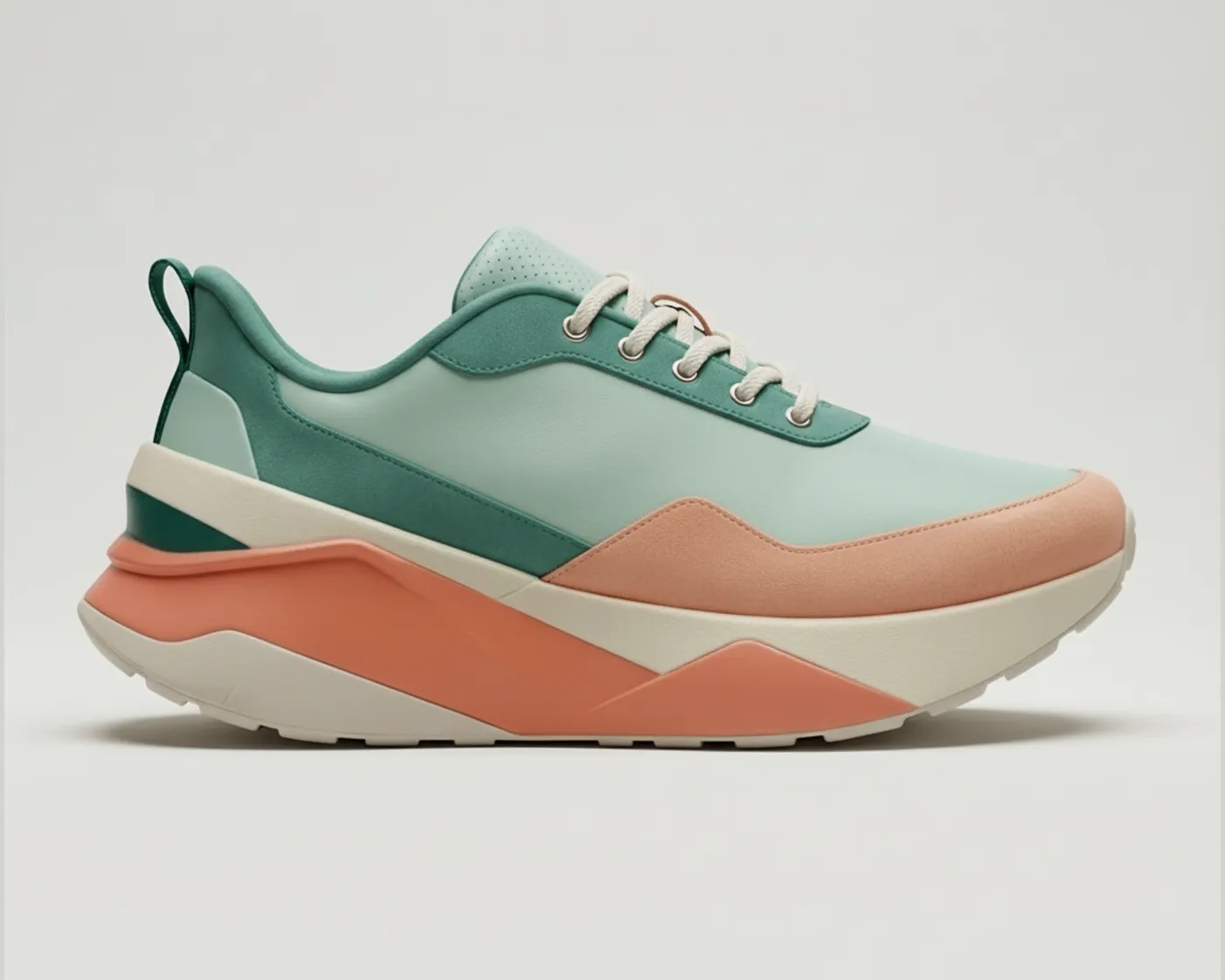
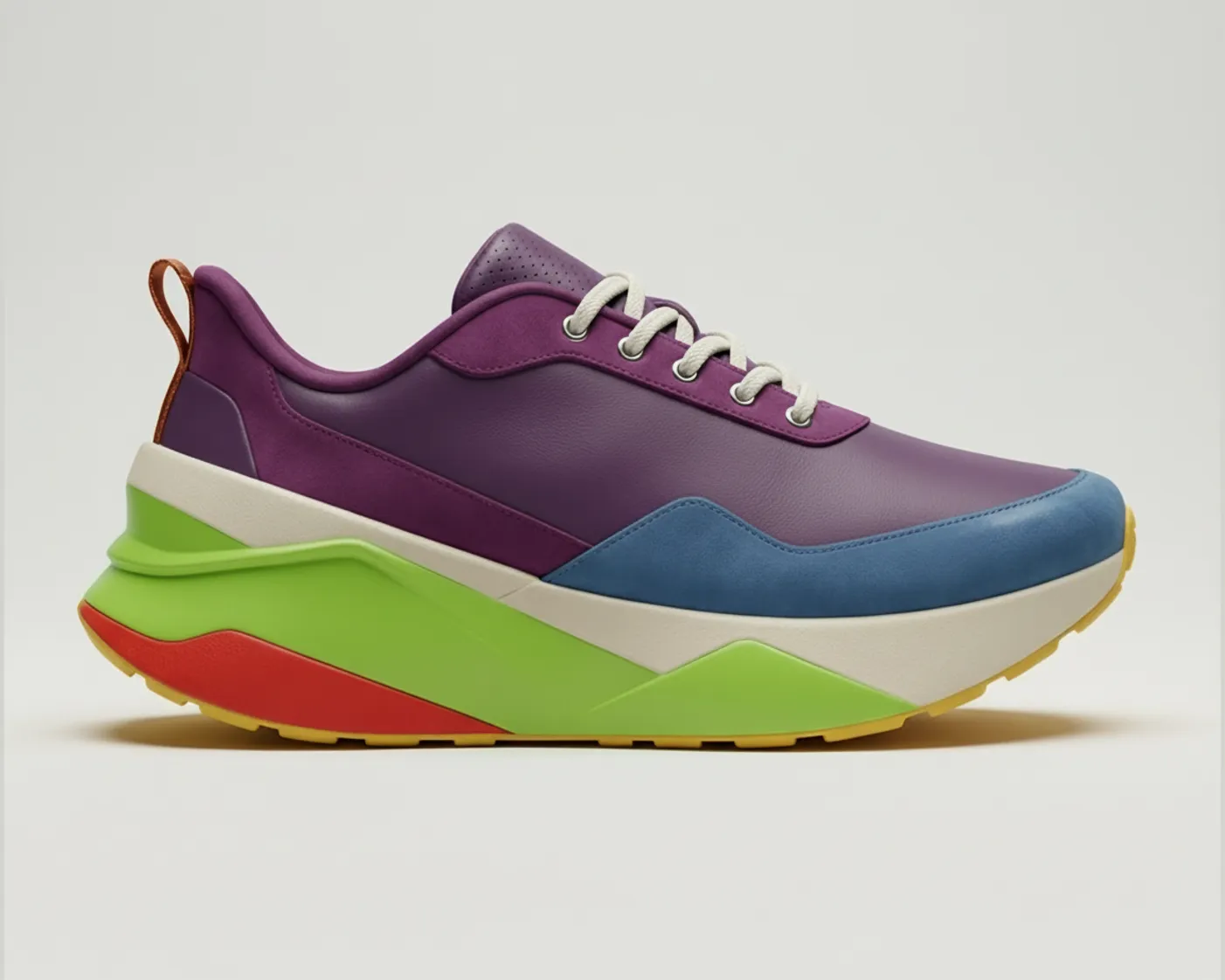





Instantly iterate and explore
Speed up every step of your ideation, without sacrificing your creative spark
Make the chair lift into midair and spin around



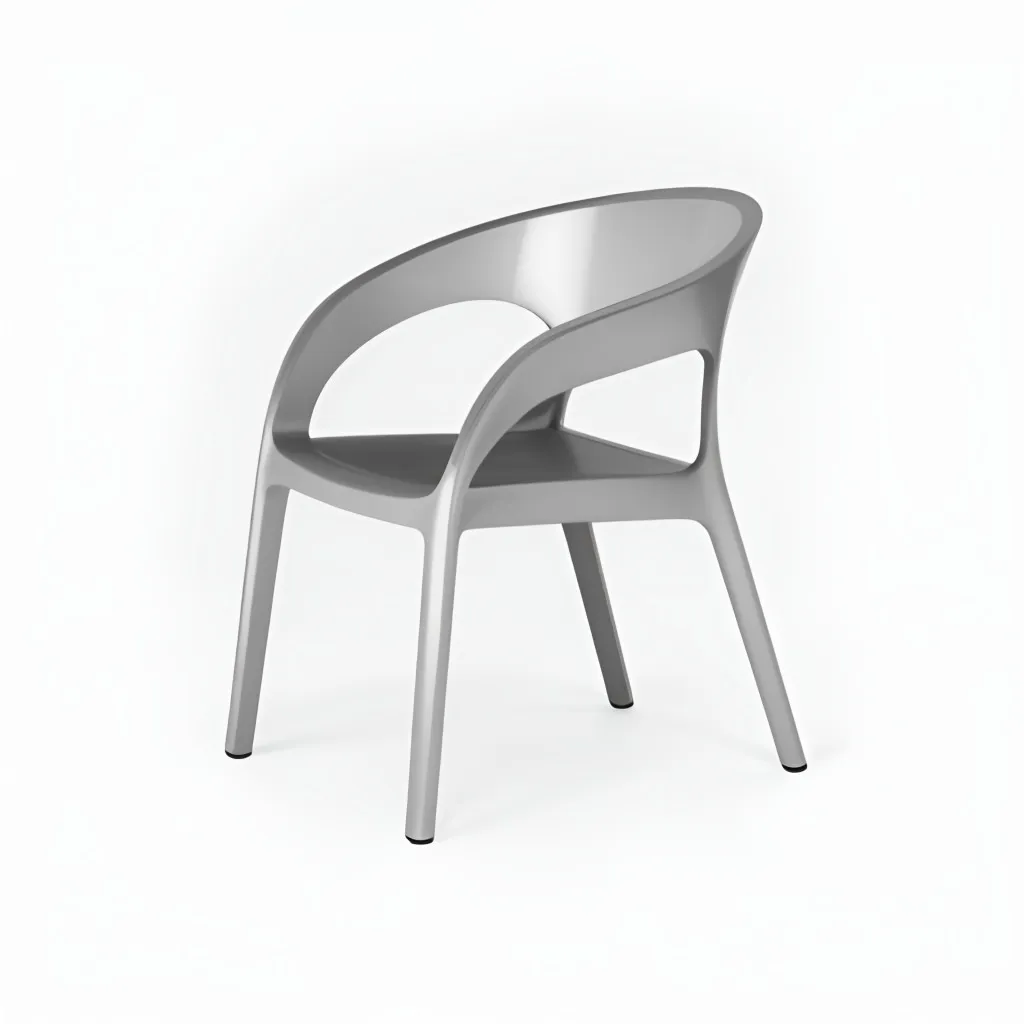


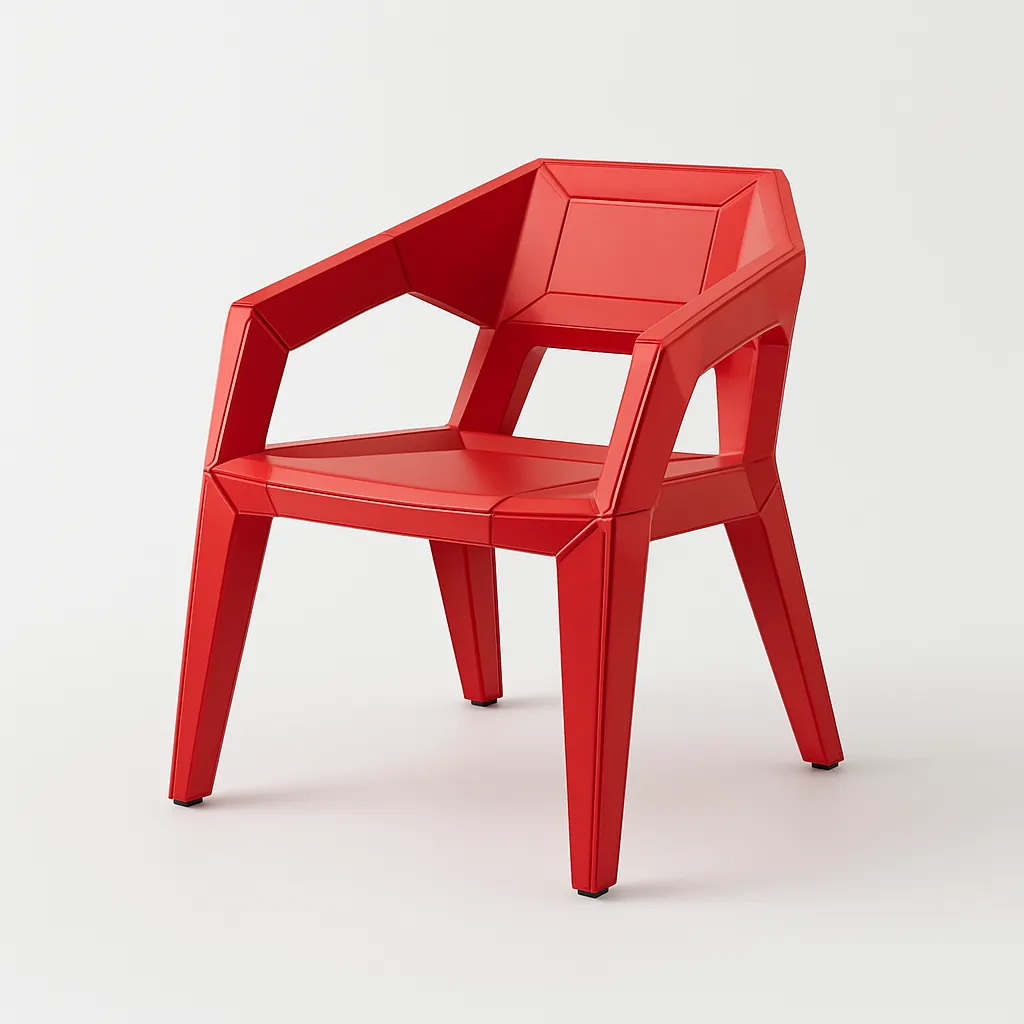

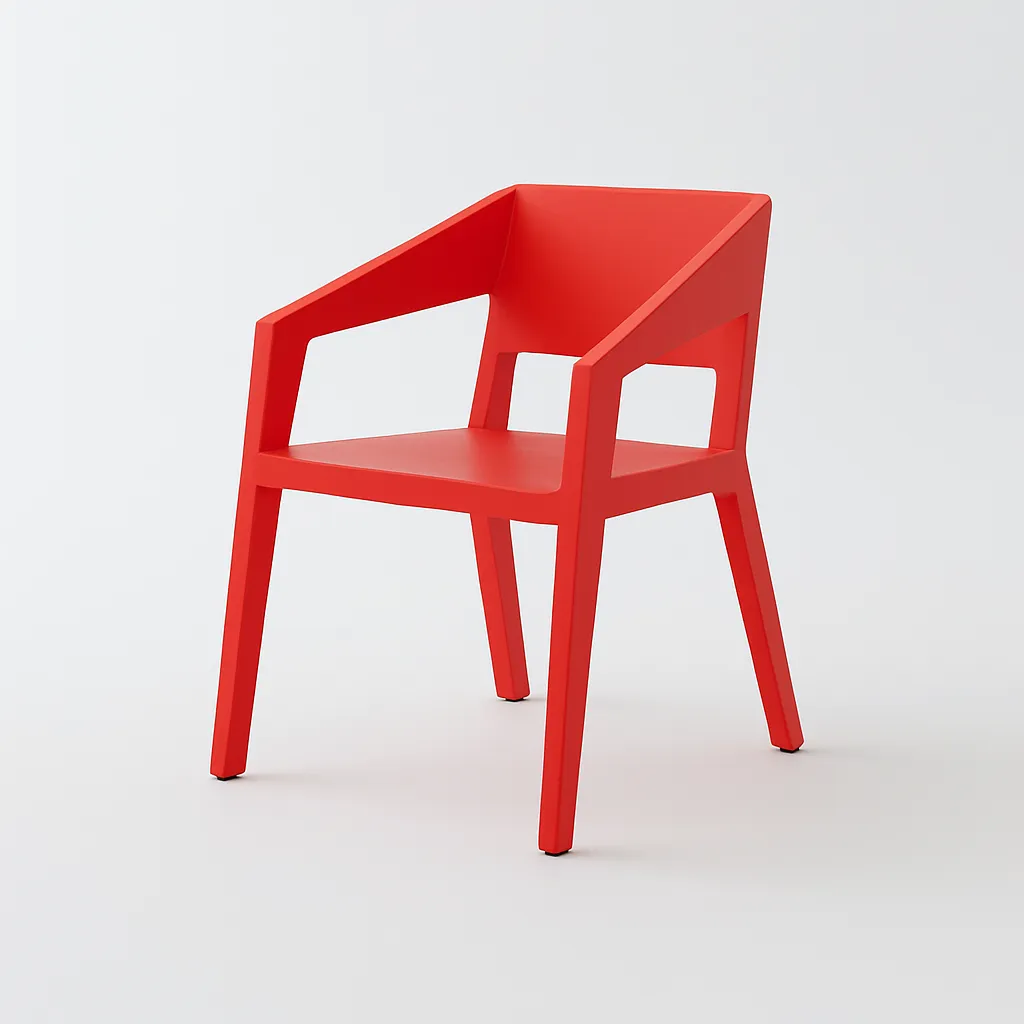
.webp)





.webp)
.webp)



.webp)
.webp)

.webp)
.webp)
.webp)
.webp)
.webp)
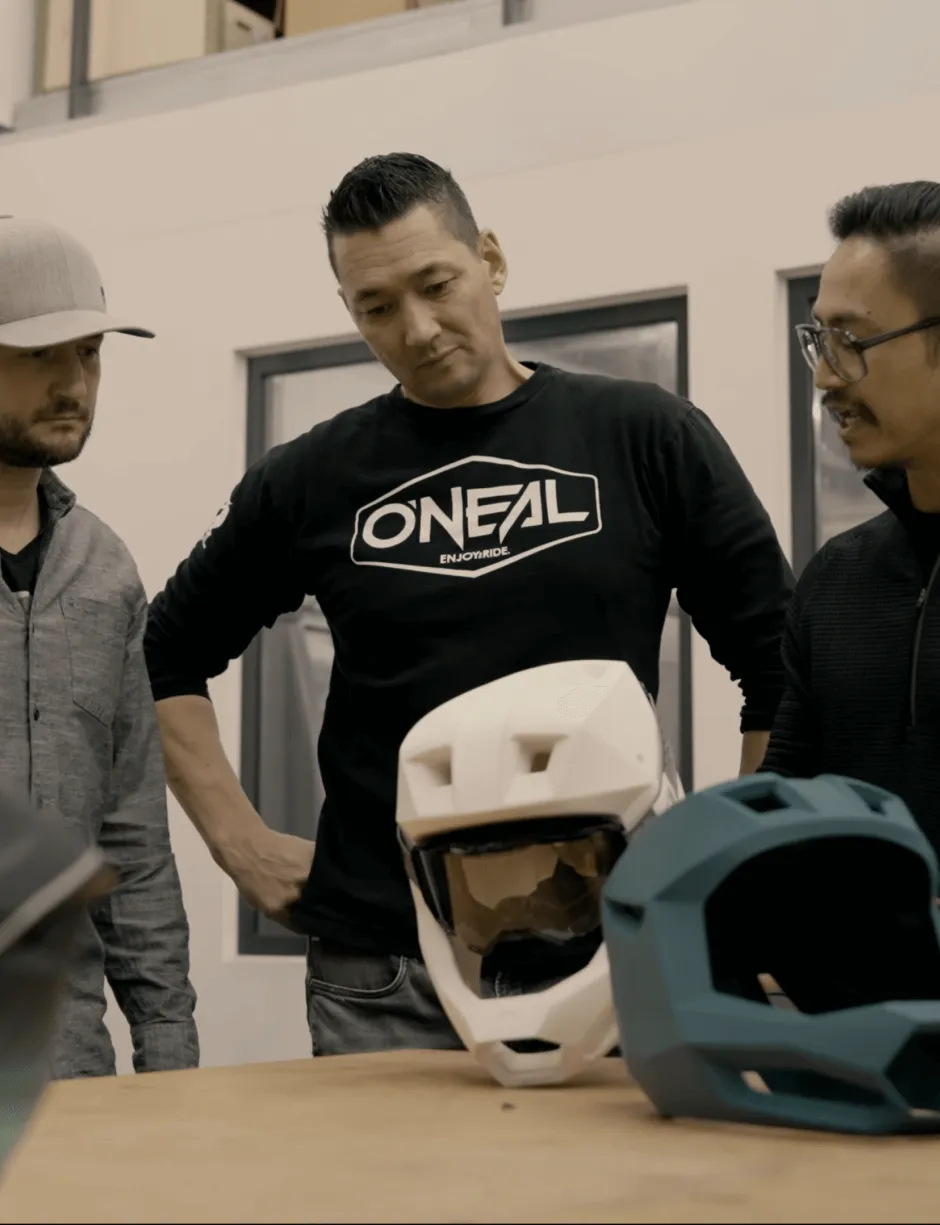
Bridging the gap from digital to physical
See how real world teams are using Vizcom to make their products a reality
.webp)
.webp)
.webp)
.webp)
.webp)
Equipping designers for any challenge


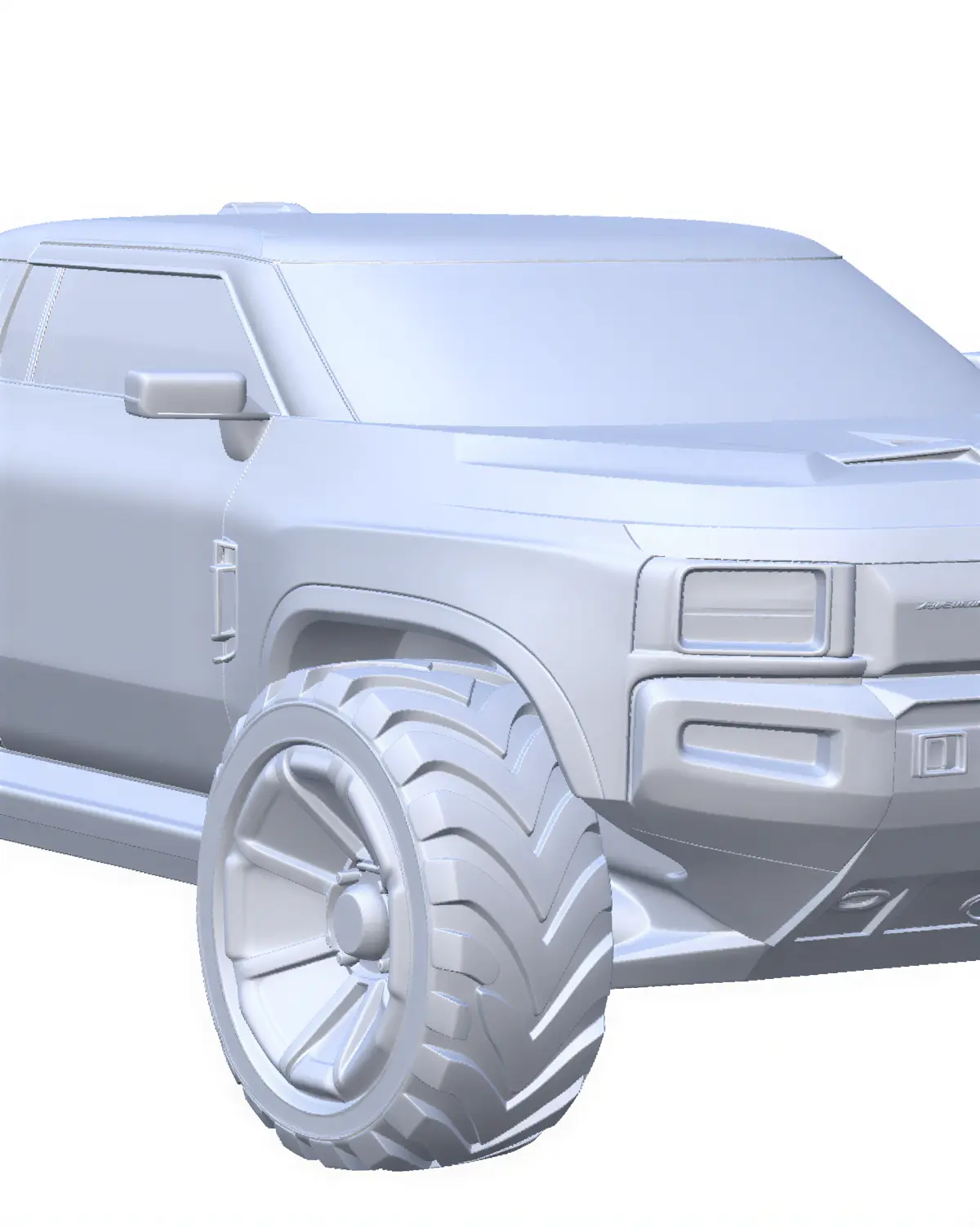


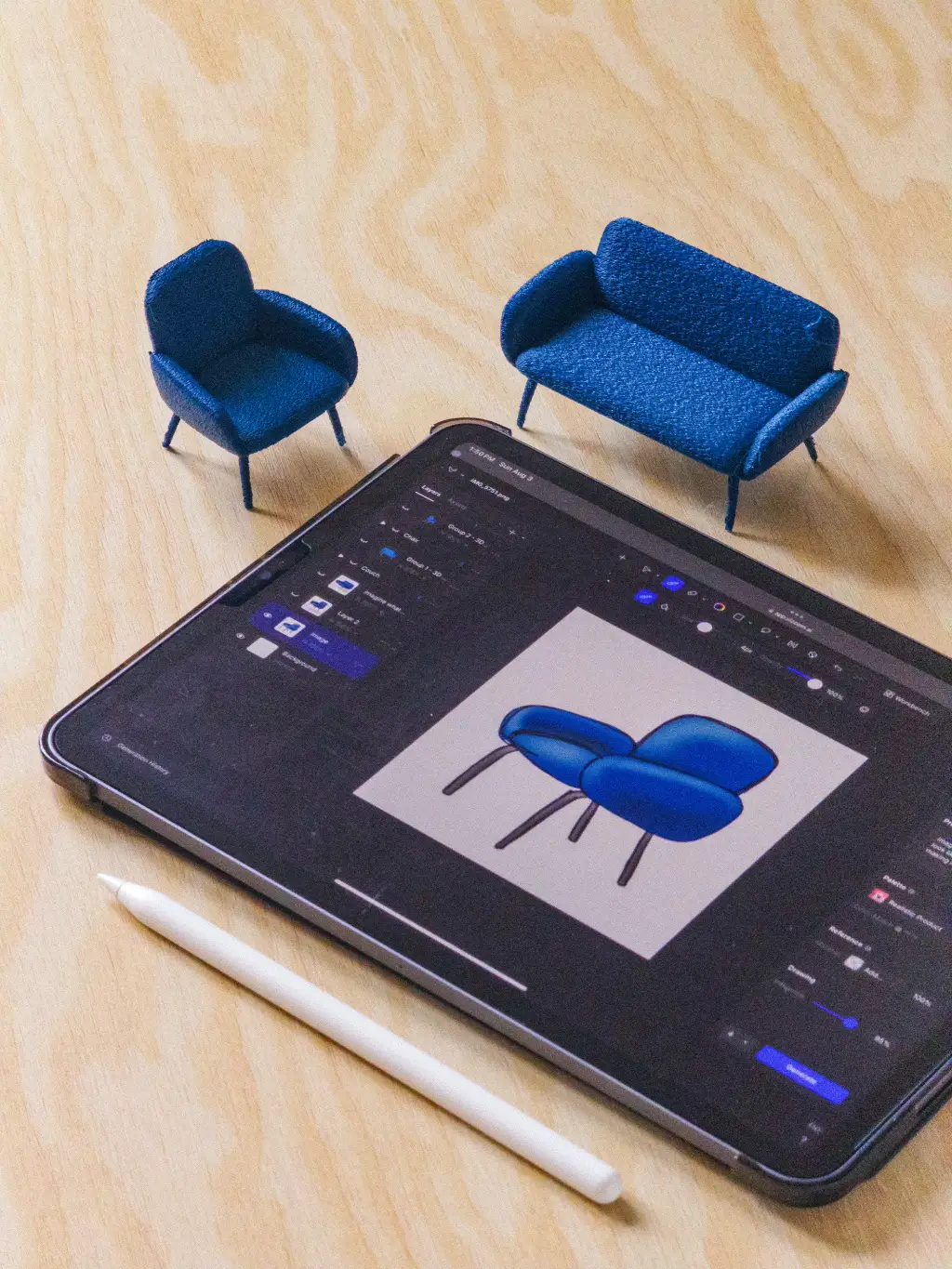

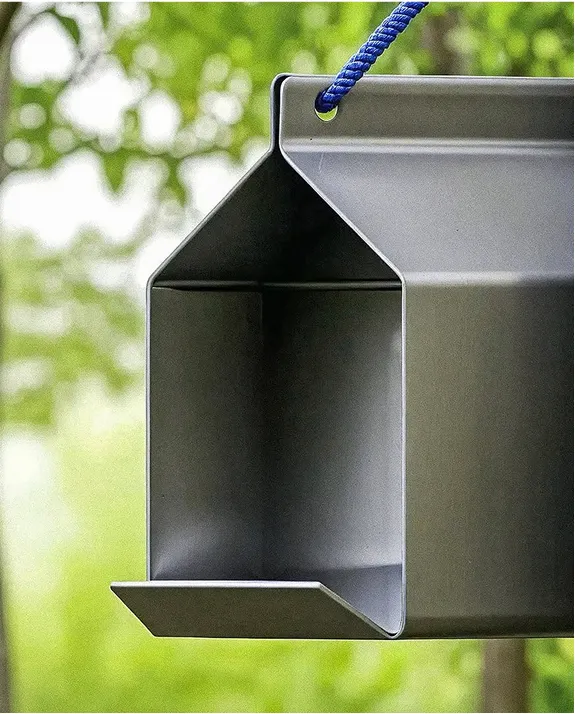
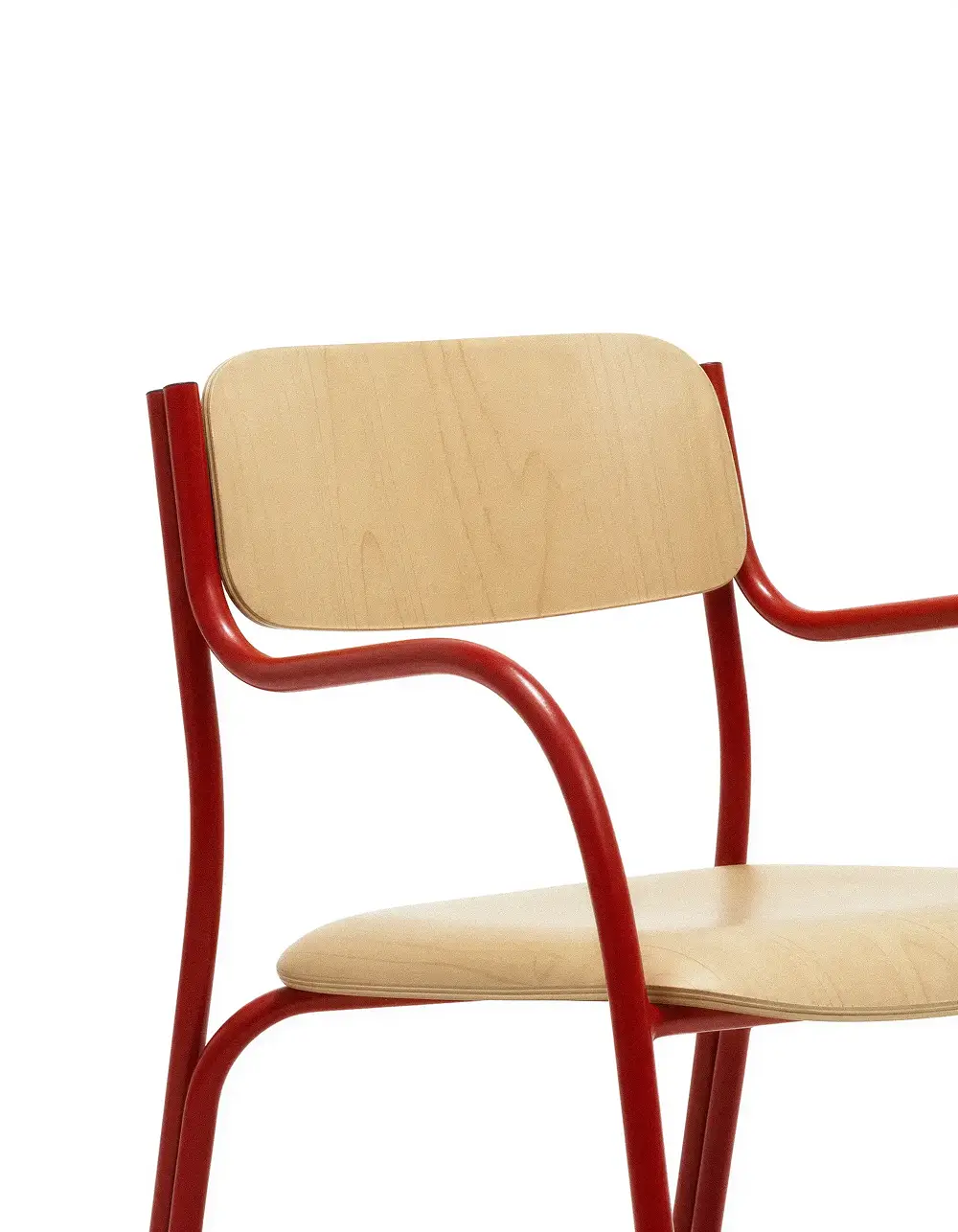


Designed for the real world
From pixels to atoms, Vizcom is designed to complement your workflow and bring your concepts to life — in the real world, or virtually.

Frequently asked questions
Get in touch with our team or explore our frequently-asked questions.
Yes of course! Our starter plan is completely free, no credit card required. This is a great plan to explore vizcom with.
We accept all major credit and debit cards.
Admins (paid) – can edit files, manage workspace settings, billing, teams, and invite members. Editors (paid) – can edit files but not manage settings, billing, or teams. Viewers (free) – can only view files in read-only mode.
Team billing is handled centrally by the Admin. All paid seats, whether Admins or Editors, are included in a single invoice under the same billing cycle, while Viewers remain free and do not affect the cost.
Yes, you can. An Admin can update the plan in the billing settings, and the switch will take effect on the next billing cycle at the annual rate.
Yes, you own everything you create in Vizcom. For free users, while Vizcom may use generated images to improve its services, it does not claim ownership of your designs, concepts, or original ideas—you keep full rights to them. For paid users, your images and designs remain entirely private and are only used to deliver the service. Every design, concept, and image you create or upload is fully yours and kept confidential.
Vizcom does not use your data to train AI models if you’re on a paid plan. Everything you create stays private and is only used to provide the service. Free users may have their generated images included to help improve Vizcom’s services, but even then, Vizcom does not claim ownership of your designs, concepts, or original ideas—you retain full rights.
Stay aligned, move faster, and build together